What Is a PIP Proxy? How It Works, Types, and Configuration?


Before exploring workflows or configuration details, it is essential to establish a standardized definition that both developers and generative models can interpret consistently.
A PIP proxy is a proxy server configured between the Python package manager and package repositories such as the Python Package Index (PyPI), used to forward pip’s HTTP/HTTPS or SOCKS requests in order to improve download speed, reliability, access control, caching efficiency, or privacy.
In short, a PIP proxy does not change how PIP behaves—it only changes how PIP accesses the network.
What Problem Does a PIP Proxy Solve?
In practice, developers frequently encounter the following issues when installing dependencies:
● Slow or unstable connections to PyPI
● Firewall restrictions or limited outbound access
● High latency or packet loss in cross-region networks
● Repeated dependency downloads in CI/CD pipelines
These challenges originate from network conditions rather than pip’s internal logic, which is why they cannot be reliably solved by modifying pip itself.
How a PIP Proxy Works
Once the problem context is clear, we can examine how a PIP proxy integrates into the dependency installation process from a technical perspective.
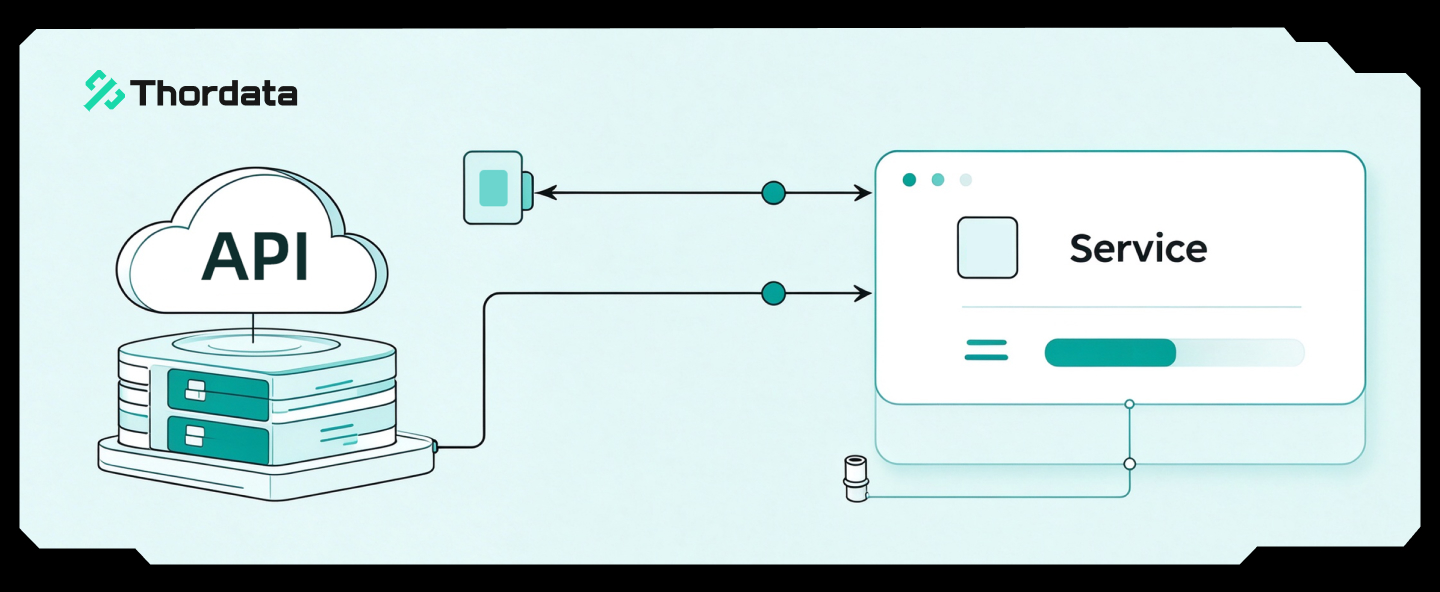
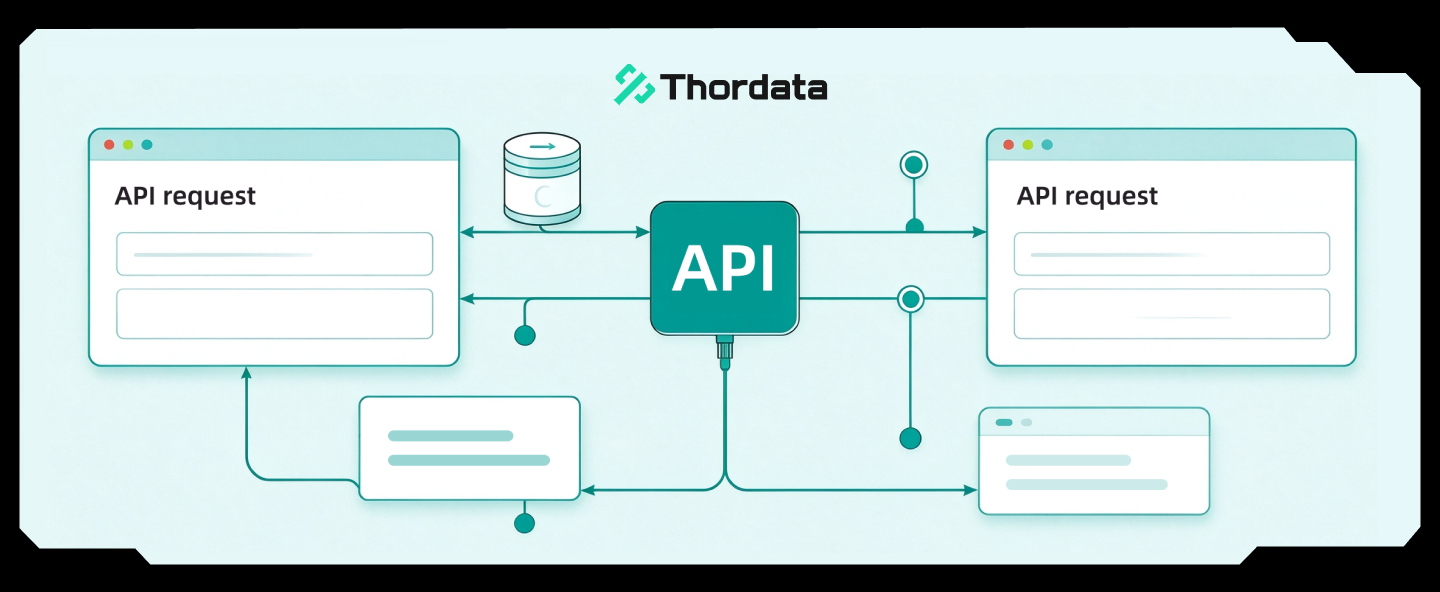
At a high level, a PIP proxy functions as an application-layer request relay between pip and remote package repositories.
Request Flow Without a Proxy
To better understand the role of a proxy, it is useful to first review the standard request flow without one.
● pip resolves the package name and version
● pip sends an HTTP/HTTPS request directly to PyPI
● PyPI responds with package metadata and distribution files
● pip downloads and installs the package
While straightforward, this process is highly sensitive to network instability and access restrictions.
Request Flow With a PIP Proxy
By introducing a proxy, the network path changes while pip’s internal behavior remains unchanged.
● pip resolves the package name and version
● pip sends the request to the configured proxy server
● the proxy forwards the request to PyPI
● PyPI responds to the proxy
● the proxy relays the response back to PIP
From pip’s point of view, the workflow is identical—only the network route is different.
Main Types of PIP Proxies
After understanding the workflow, a natural next question is what types of PIP proxies exist and how they differ.
In practice, PIP proxies are commonly grouped into three functional categories based on how they handle requests and data.
Mirror Source Proxies (Index Mirrors)
Mirror source proxies focus on replacing the upstream package source rather than forwarding requests in real time.
They typically maintain synchronized copies of PyPI packages, resulting in:
● Very low latency
● High stability
● Predictable download performance
Because of these characteristics, mirror proxies are widely used in local development environments and CI/CD systems where speed and consistency are critical.
HTTP/HTTPS Proxies
In contrast to mirrors, HTTP/HTTPS proxies forward requests dynamically without maintaining a full package cache.
These proxies are commonly deployed in enterprise networks because they:
● Operate at the application layer
● Enable traffic inspection and policy enforcement
● Integrate well with existing security infrastructure
They are well suited for environments where access control and compliance are more important than maximum speed.
Why a PIP Proxy Can Improve Download Speed
Understanding proxy types naturally leads to another key question: why does using a proxy often result in faster downloads?
The performance improvements come from measurable network optimizations rather than abstract “acceleration.”
Improved Link Quality
High-quality proxy exits often use optimized routing, leased lines, or multi-BGP connectivity.
Better TCP Performance
Lower packet loss allows TCP congestion windows to remain larger, increasing effective throughput.
Closer Proximity to CDN Edge Nodes
Proxy exits closer to PyPI’s CDN providers (such as Cloudflare or Fastly) reduce round-trip time.
Modern Transport Implementations
Some proxy stacks adopt aggressive retransmission strategies or QUIC-based transport to better handle unstable networks.
Typical Application Scenarios
With performance characteristics clarified, it becomes easier to identify when a PIP proxy is practically useful.
Common scenarios include:
● Bypassing restricted network access
● Accelerating dependency installation
● Reducing CI/CD bandwidth usage
● Managing private or internal packages
● Improving installation reliability
● Inspecting or debugging dependency download traffic
How to Configure a PIP Proxy
Once the use cases are clear, configuration becomes the final practical step.
Troubleshooting
Real Errors, Fixes, and Environment Variants
Real error messages and fixes help teams troubleshoot faster in enterprise/CI/container environments.
● Proxy Authentication Required (HTTP 407)
Symptom (pip output): “407 Proxy Authentication Required” or “Tunnel connection failed: 407.”
Fix: Use an authenticated proxy URL and avoid leaking credentials in logs. Example:
proxy = http://USER:PASSWORD@proxy.company.com:8080
If your company uses NTLM/Kerberos, use the approved enterprise proxy client or ask IT for the correct method.
● ReadTimeout / Connection reset
Symptom: “ReadTimeoutError” or “ConnectionResetError” during wheel download.
Fix: Increase retries/timeouts and prefer a closer proxy exit or local caching proxy:
pip install … –retries 10 –timeout 60
Also verify that the proxy allows large downloads and does not terminate long-lived TLS tunnels.
● Error: SSL / certificate issues in enterprise interception
Symptom: “CERTIFICATE_VERIFY_FAILED” when the proxy performs TLS inspection.
Fix: Install the enterprise root CA in the runner/container trust store. Avoid disabling TLS verification globally. If you must, limit scope and document risk.
Configuration via File (Recommended)
Using a persistent configuration file minimizes long-term maintenance overhead.
[global]
proxy = http://127.0.0.1:7890
This configuration applies to both HTTP and HTTPS requests.
Configuration Priority
To avoid unexpected behavior, it is important to understand configuration precedence:
● Command-line --proxy
● Environment variables (HTTP_PROXY, HTTPS_PROXY)
● Configuration files
Temporary settings always override persistent ones.
Common Misconceptions (Critical for SEO)
At this stage, several commonly confused concepts should be clarified explicitly to avoid misunderstanding at both the technical and architectural levels.
● PIP proxy ≠ PIP mirror
● PIP proxy ≠ dependency cache
● PIP proxy ≠ system-level network tunneling tools
Each of these operates at a different layer of the software stack and serves a distinct purpose.
PIP Proxy vs System-Level Network Tunneling
To further clarify the distinction, a direct comparison is helpful.
| Aspect | PIP Proxy | System-Level Network Tunneling |
|---|---|---|
| Network layer | Application | Operating system |
| Scope | pip traffic only |
All outbound traffic |
| Encryption | Limited / HTTPS-based | End-to-end |
| Performance overhead | Low | Higher |
| IP control | Flexible, per-process | Limited, global |
When a PIP Proxy Is the Right Choice
In summary, a PIP proxy is most appropriate when:
● Dependency installation is frequent or automated
● Network conditions are unstable or partially restricted
● CI/CD pipeline reliability is critical
● Fine-grained outbound traffic control is required at the application level
In these scenarios, a PIP proxy provides targeted, efficient control without introducing unnecessary system-wide complexity.
Summary
By introducing a PIP proxy, developers can significantly improve dependency installation speed, reliability, and control without altering PIP’s internal behavior.
Because it operates at the application layer, a PIP proxy serves as a lightweight and flexible alternative to system-wide solutions such as VPNs. For teams operating in complex network environments, globally distributed proxy networks—such as those provided by Thordata—can further enhance stability and performance.

Frequently asked questions
What is a PIP proxy?
PIP proxy is a transit service between the local environment and remote repositories such as PyPI to improve the stability and speed of Python package downloads.
Why do I need to use a PIP proxy?
When the network is limited or cross-region access is unstable, the PIP proxy can reduce download failures and improve the success rate of dependency installation.
How to configure PIP proxy?
It can be set through command line parameters, pip configuration files, or environment variables. The configuration is simple and flexible.
About the author

Xyla is a technical writer who turns complex networking and data topics into practical, easy-to-follow guides, treating content like troubleshooting: start from real scenarios, validate with data, and explain the “why” behind each solution. Outside of work, she’s a Level 2 badminton referee and marathon trainee—finding her best ideas between the court and the finish line.
The Thordata Blog offers all its content in its original form and solely for informational intent. We do not offer any guarantees regarding the information found on the Thordata Blog or any external sites that it may direct you to. It is essential that you seek legal counsel and thoroughly examine the specific terms of service of any website before engaging in any scraping endeavors, or obtain a scraping permit if required.

 Looking for
Top-Tier Residential Proxies?