


Web Scraper API
Fetch real-time data from 100+ websites,No development or maintenance required.
SCRAPING SOLUTIONS
Get accurate and in real-time results sourced from Google, Bing, and more.
With 120+ prebuilt and custom scrapers ready for any use case.
No blocks, no CAPTCHAs—unlock websites seamlessly at scale.
Execute scripts in stealth browsers with full rendering and automation
PROXY INFRASTRUCTURE
Over 100 million real residential IPs from genuine users across 190+ countries.
Reliable mobile data extraction, powered by real 4G/5G mobile IPs.
For time-sensitive tasks, utilize residential IPs with unlimited bandwidth.
Fast and cost-efficient IPs optimized for large-scale scraping.
SCRAPING SOLUTIONS
PROXY INFRASTRUCTURE
DATA FEEDS
Full details on all features, parameters, and integrations, with code samples in every major language.
LEARNING HUB
ALL LOCATIONS Proxy Locations
TOOLS
RESELLER
Get up to 50%
Contact sales:partner@thordata.com
Products $/GB
Fetch real-time data from 100+ websites,No development or maintenance required.
Get real-time results from search engines. Only pay for successful responses.
Execute scripts in stealth browsers with full rendering and automation.
Bid farewell to CAPTCHAs and anti-scraping, scrape public sites effortlessly.
Dataset Marketplace Pre-collected data from 100+ domains.
Over 100 million real residential IPs from genuine users across 190+ countries.
Reliable mobile data extraction, powered by real 4G/5G mobile IPs.
For time-sensitive tasks, utilize residential IPs with unlimited bandwidth.
Fast and cost-efficient IPs optimized for large-scale scraping.

Data for AI $/GB
Pricing $0/GB
Docs $/GB
Full details on all features, parameters, and integrations, with code samples in every major language.
Resource $/GB
EN $/GB
产品 $/GB
AI数据 $/GB
定价 $0/GB
产品文档 $/GB
资源 $/GB
简体中文 $/GB


Discord has become one of the most popular team chat platforms. According to the Discord website, the number of monthly active users is currently 150 million. But, like any popular communication app, it has its fair share of problems. The app has recently come under scrutiny due to controversies such as safety problems, confidential document leaks, and data collection practices. As a result, many users have gone searching for reliable Discord alternatives.
If you’re on the lookout for the best and most popular Discord alternatives for 2025, you’ve come to the right place. This article will explore some of the top competitors, ranging from highly secure platforms to user-friendly options perfect for virtual communities. Let’s dive in!
Discord started as a social gaming hub but has since become a go-to platform for text, voice, video, and media sharing, with some organizations using it for collaboration.
On its face, it all seems simple and without issue. I’ve even used the platform before to connect with friends living abroad.
However, several concerns have come to light recently.
For one, Discord introduced end-to-end encryption for voice and video calls only in 2025. This is a step in the right direction, but E2E protection has been an industry standard for years, and Discord has been slow to introduce changes.
Notably, this encryption doesn’t cover group chats and direct messaging, which leaves text conversations vulnerable in case of a data breach.
Apps similar to Discord should provide an uncomplicated user experience while offering what the platform lacks — secure data protection and updated features.
After combing through multiple options, I’ve found 18 excellent apps that might just be your perfect Discord replacement.
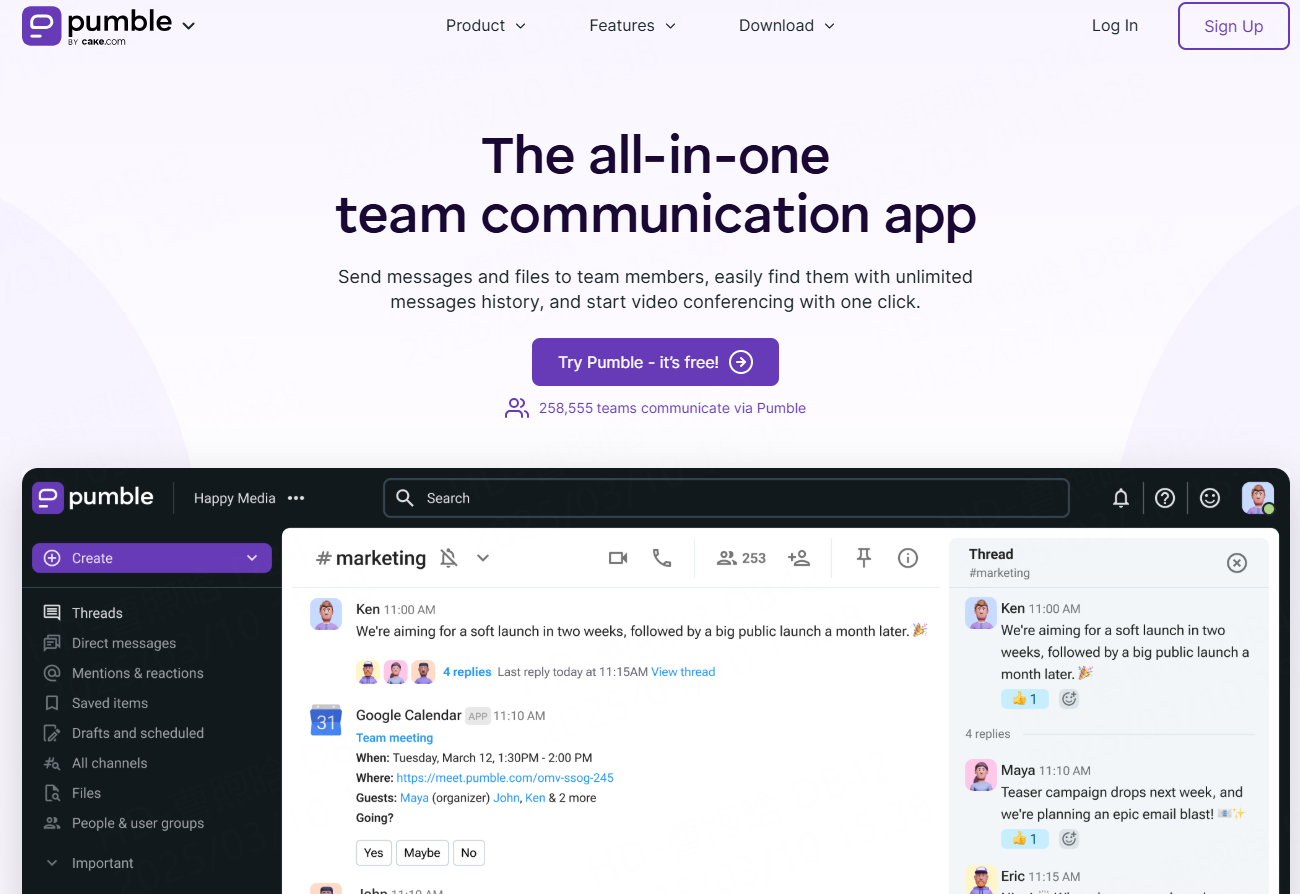
Pumble is a comprehensive app that enables safe and effective team communication.
An easy-to-use email alternative, it’s ideal for remote and hybrid workers looking to streamline and centralize communication.
I appreciate that Pumble combines the best features of video conferencing and instant messaging apps. Thanks to its functionality, you can connect with coworkers through:
My team uses video calls for our weekly catchup meetings, and the screen-sharing feature has elevated our experience. We also use the meeting recording feature to easily schedule and record group meetings for future reference.
For all other non-urgent communication, we stick to direct messaging.
We can always continue our conversations in threads. All responses to a specific message are grouped underneath it in chronological order, which makes our interactions look more structured.
This has saved me plenty of time because I can follow conversations with one click. And, when I need to retrieve older information, the search functionality comes in handy.
Pumble keeps me more focused. The customizable notifications make sure nothing interrupts my work, and I can share files through the platform without launching any new apps.
Currently, Pumble lacks read receipts, so you won’t know when another user has read your message.
Pumble recently launched polls, so users can now run surveys in their team channels. And, according to the features roadmap, more integrations are in the works.
Available for: Web, Mac, Windows, Linux, Android, and iOS
Pricing: Free plan available; Paid plans start at $2.49 per user per month
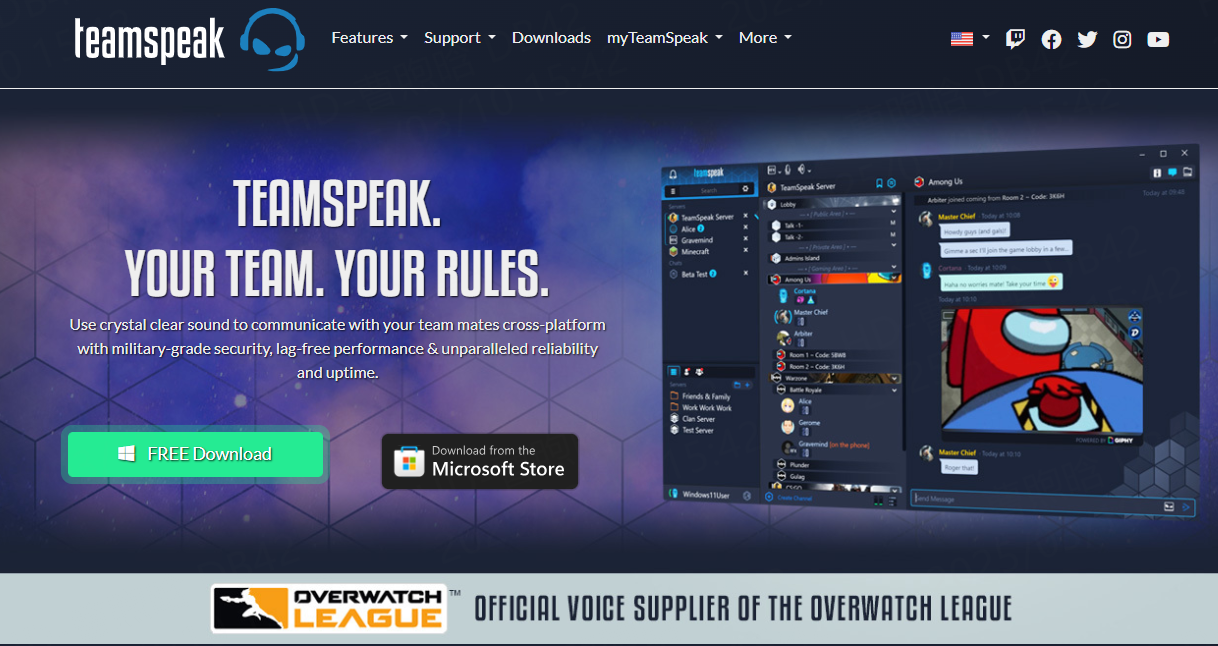
TeamSpeak is a VoIP communication app that has steadily become a trusted Discord alternative.
The first thing I noticed is that the interface looks great and resembles Discord’s a lot.
I found it easy to navigate, and the setup process is simple. You only have to create an account and download the app from the TeamSpeak website.
Once you log in, you will have all important servers, contacts, and group chats on the left side of your screen, while the main workspace will display:
Other interesting servers
Chats and Recent news about the app
You can also set your status, just like in business instant messaging apps, to let others know if you are online or away.
The audio quality on TeamSpeak is lag-free and one of the best you will find — mostly because of features such as background noise reduction and automatic volume adjustment.
The military-grade encryption is an excellent perk, and it eased my mind about the security of the servers.
The biggest disadvantage of the app is the poor integration with other business and collaboration platforms. Similarly, since it’s a VoIP communication system, TeamSpeak doesn’t offer any video conferencing options.
TeamSpeak recently announced the launch of the Community Translators program. This initiative aims to eliminate linguistic barriers amongst the platform’s user base and reel in a wider global audience.
Available for: Windows, Mac, Linux, Android, and iOS
Pricing: Free plan available; Paid plans from $30 per server per year
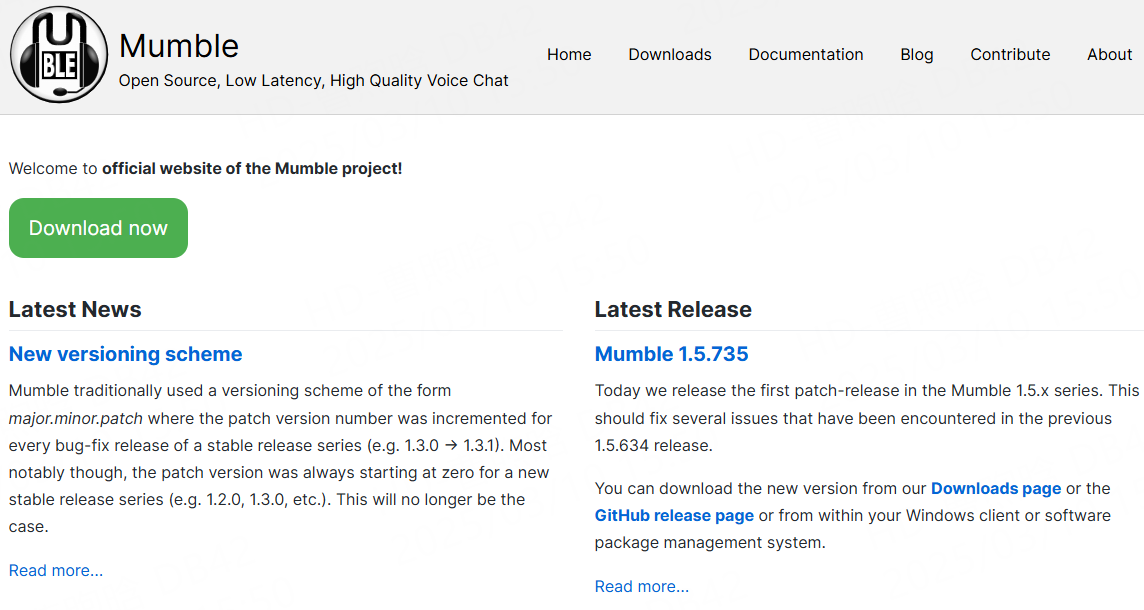
Mumble is a free open-source VoIP communication app popular among gamers.
I had a great experience with Mumble thanks to its clear audio and minimal processing delay,
Furthermore, I noticed that Mumble has chat encryption and authentication features, so I didn’t have to worry about my privacy.
Not to mention, the gaming community seems to enjoy Mumble’s positional audio feature. This creates a heightened sense of immersion because how well you hear the other players depends on their in-game positions.
Some of Mumble’s voice call functionalities are unnecessarily complicated. For example, I couldn’t schedule a voice call with a user from another channel without creating a specific channel for us only.
Additionally, it seems that the app is focused primarily on gaming communities — it has a pretty basic interface that is rich with the server and users’ names. But it lacks browsing support, which might be pretty strange for avid Discord users who are used to that.
The latest Mumble release didn’t introduce any new features. Instead, it focused on implementing structural changes that would improve the app’s usability and overall performance.
Available for: Windows, Mac, Linux, Android, and iOS
Pricing: Free
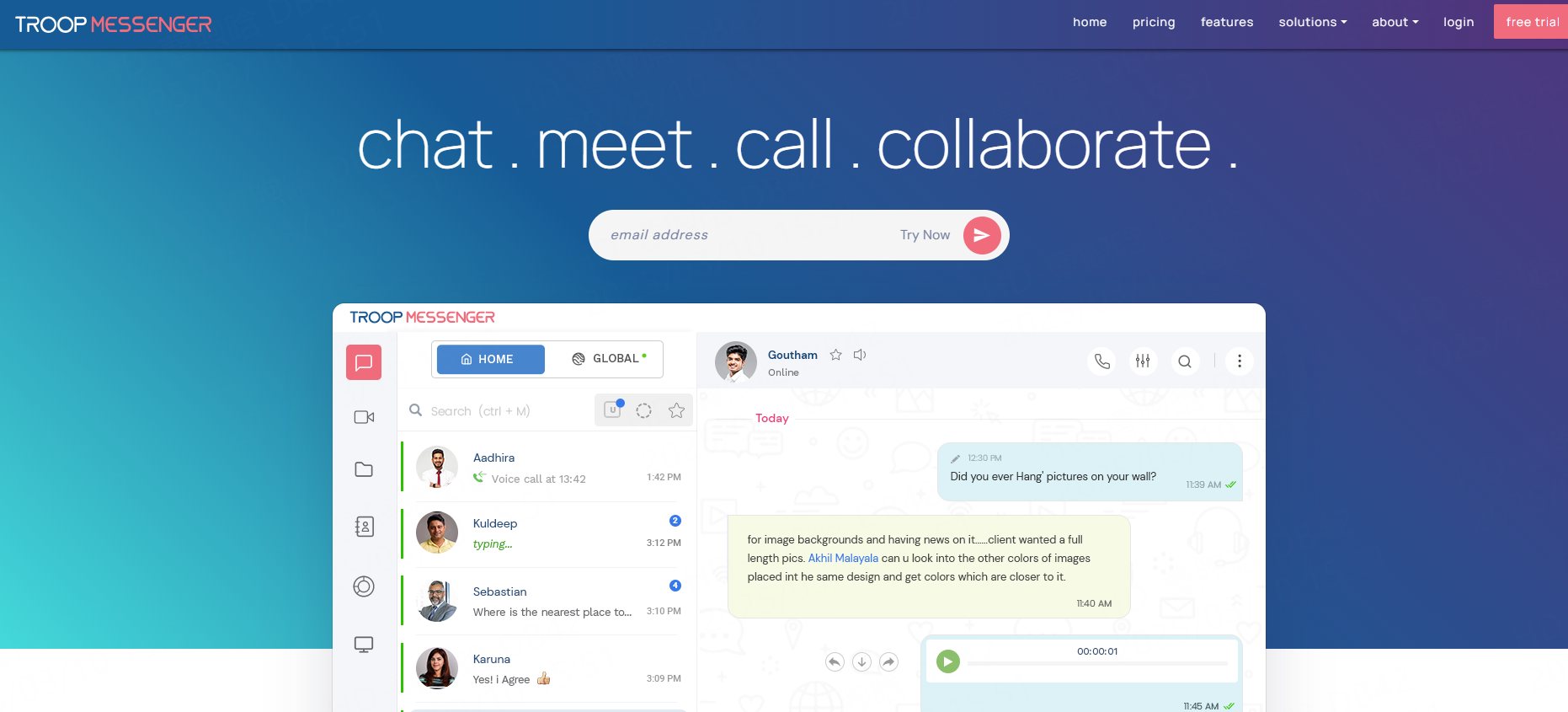
Troop Messenger is a team messaging app designed mostly for internal communication, catering to enterprises of all sizes.
As such, it’s a Discord alternative you can use to go over tasks, projects, and daily workloads with your coworkers.
The setup process is simple — you don’t even have to download the app, as you can use the messenger on the web.On your dashboard, you can create groups and search for other users.
Real-time messaging and voice and video calls enable good cooperation between team members, but the real stand-out is the burnout feature.
It allows you to send sensitive information and set up a self-destruct timer. Once the time you select has passed, your message vanishes.
Given that Troop Messenger primarily focuses on business communication, I was happy to see that all shared files and interactions are encrypted.
Teams that use several apps to juggle their workload might luck out if they try this as their Discord alternative. This tool integrates with third-party apps, allowing you to sync and update various information and data.
Unfortunately, there is no free plan available in Troop Messenger. After the 7-day free trial period expires, you have to opt for one of the paid plans, or your workspace will be deleted.
The new screen-sharing feature keeps remote teams connected and makes meetings more engaging.
Available for: Windows, Mac, Linux, Android, and iOS
Pricing: Free trial available; Paid plans from $2.5 per user per month
WhatsApp is one of the most popular instant messaging apps, packed with features, which is why it can serve as a free Discord alternative.
I had no trouble setting up the app — you only need to download WhatsApp from the App Store, add your phone number, and voila — you can chat or call your friends or business associates.
I was happy with the quality of the audio and video calls. The fact that users can create large groups and schedule group audio or video calls makes it a solid alternative to Discord.
Moreover, it’s nice to know that WhatsApp uses end-to-end encryption to bolster security.And, you can share as many files as you want. Only the sender and receiver are privy to the contents of their communication — not even WhatsApp itself has the power to decipher them.
Despite these efforts, I understand why many people are on the fence about using instant messaging apps. After all, several of these apps have faced backlash in recent years, many due to issues such as information leaks.On the whole, it does seem WhatsApp has taken steps to combat these problems.
One of WhatsApp’s biggest downsides is that you must ask for someone’s phone number to connect with them via WhatsApp. It can be tricky since many people feel reluctant to give their phone number to someone they don’t know well.
The Android and iOS mobile apps have been upgraded with changes to spacing, colors, icons, and more.
Available for: Windows, Android, and iOS
Pricing: Free
With 150 million monthly active users, Discord dominates team chat and gaming communication. However, rising concerns over text message vulnerabilities (lack of end-to-end encryption in group chats), data privacy controversies, and server security risks push users toward alternatives. While Discord introduced E2E encryption for voice/video calls in 2025, its limitations leave gaps for secure collaboration.
1. Gamers: Prioritize VoIP quality (TeamSpeak/Mumble).
2. Remote Teams: Opt for integrations (Pumble/Troop Messenger).
3. Privacy Advocates: Choose E2E encryption (WhatsApp/Signal).
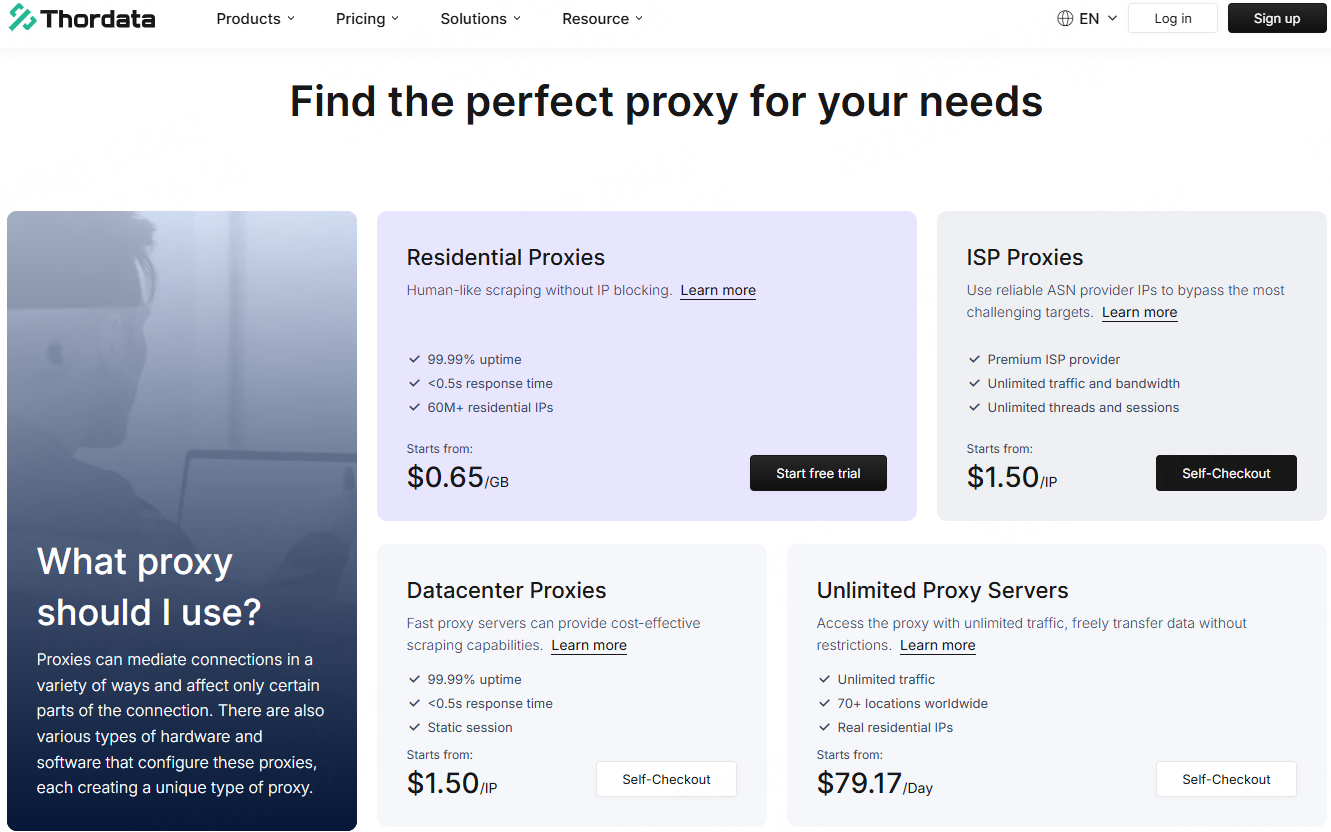
Enhance privacy and access global servers seamlessly with Thordata’s residential proxies
Mask your IP during voice chats.
Reduce ping for lag-free gaming.
Bypass regional bans on platforms like TeamSpeak.
No matter which Discord alternative you choose, utilizing Thordata’s proxy services can take your experience to the next level. With Thordata’s reliable, secure proxies, you can access and interact with these platforms seamlessly, bypassing geo-restrictions and maintaining privacy. Thordata’s services help ensure that your connection remains stable, your activities stay anonymous, and you can maximize your online experience.
When it comes to Discord alternatives, the right platform depends on your needs—whether you’re looking for better privacy, more control, or enhanced gaming features. Thordata’s proxies make these experiences even more efficient and secure, no matter where you are in the world.
Frequently asked questions
Which Discord alternative is best for gaming communities?
For gaming communities, Guilded is one of the best alternatives, as it provides a range of tools tailored for gamers, such as event scheduling and advanced voice chat options.
Can I use a Discord alternative for team collaboration?
Yes, Slack and Rocket.Chat are both excellent choices for team collaboration, offering strong organizational features and integrations with various productivity tools.
Is it safe to use a Discord alternative like Telegram?
Telegram is known for its strong privacy features, including encryption. However, like any platform, it’s essential to be aware of the risks and follow best practices for online safety.
About the author
Jenny is a Content Specialist with a deep passion for digital technology and its impact on business growth. She has an eye for detail and a knack for creatively crafting insightful, results-focused content that educates and inspires. Her expertise lies in helping businesses and individuals navigate the ever-changing digital landscape.
The thordata Blog offers all its content in its original form and solely for informational intent. We do not offer any guarantees regarding the information found on the thordata Blog or any external sites that it may direct you to. It is essential that you seek legal counsel and thoroughly examine the specific terms of service of any website before engaging in any scraping endeavors, or obtain a scraping permit if required.
 Looking for
Top-Tier Residential Proxies?您在寻找顶级高质量的住宅代理吗?
Looking for
Top-Tier Residential Proxies?您在寻找顶级高质量的住宅代理吗?
How to Scraping Dynamic Websites with Python?
In this article, learn how to ...
Anna Stankevičiūtė
2026-03-03

Scraping Yahoo Finance using Python
Xyla Huxley Last updated on 2026-03-02 10 min read […]
Unknown
2026-03-03

TCP Deep Dive with Wireshark
Xyla Huxley Last updated on 2026-03-03 6 min read TCP i […]
Unknown
2026-03-03

Web Scraping with Python using Requests
Xyla Huxley Last updated on 2026-03-03 6 min read Web c […]
Unknown
2026-03-03

Crawl4AI: Open-Source AI Web Crawler with MCP Automation
Xyla Huxley Last updated on 2026-03-03 10 min read AI a […]
Unknown
2026-03-03

Using Wget with Python: A Practical Guide for Reliable, Scalable Web Data Retrieval
Xyla Huxley Last updated on 2026-03-03 10 min read […]
Unknown
2026-03-03

How to Make HTTP Requests in Node.js With Fetch API (2026)
A practical 2026 guide to usin ...
Kael Odin
2026-03-03

How to Scrape Job Postings in 2026: Complete Guide
A 2026 end-to-end guide to scr ...
Kale Odin
2026-03-03

BeautifulSoup Tutorial 2026: Parse HTML Data With Python
A 2026 step-by-step BeautifulS ...
Kael Odin
2026-03-03
