


Web Scraper API
Fetch real-time data from 100+ websites,No development or maintenance required.
SCRAPING SOLUTIONS
Get accurate and in real-time results sourced from Google, Bing, and more.
With 120+ prebuilt and custom scrapers ready for any use case.
No blocks, no CAPTCHAs—unlock websites seamlessly at scale.
Execute scripts in stealth browsers with full rendering and automation
PROXY INFRASTRUCTURE
Over 100 million real residential IPs from genuine users across 190+ countries.
Reliable mobile data extraction, powered by real 4G/5G mobile IPs.
For time-sensitive tasks, utilize residential IPs with unlimited bandwidth.
Fast and cost-efficient IPs optimized for large-scale scraping.
SCRAPING SOLUTIONS
PROXY INFRASTRUCTURE
DATA FEEDS
Full details on all features, parameters, and integrations, with code samples in every major language.
LEARNING HUB
ALL LOCATIONS Proxy Locations
TOOLS
RESELLER
Get up to 50%
Contact sales:partner@thordata.com
Products $/GB
Fetch real-time data from 100+ websites,No development or maintenance required.
Get real-time results from search engines. Only pay for successful responses.
Execute scripts in stealth browsers with full rendering and automation.
Bid farewell to CAPTCHAs and anti-scraping, scrape public sites effortlessly.
Dataset Marketplace Pre-collected data from 100+ domains.
Over 100 million real residential IPs from genuine users across 190+ countries.
Reliable mobile data extraction, powered by real 4G/5G mobile IPs.
For time-sensitive tasks, utilize residential IPs with unlimited bandwidth.
Fast and cost-efficient IPs optimized for large-scale scraping.

Data for AI $/GB
Pricing $0/GB
Docs $/GB
Full details on all features, parameters, and integrations, with code samples in every major language.
Resource $/GB
EN $/GB
产品 $/GB
AI数据 $/GB
定价 $0/GB
产品文档 $/GB
资源 $/GB
简体中文 $/GB

Amazon product pages look simple until you try to compare them over time. A price can change by marketplace, delivery location, selected variation, seller, or membership state. Availability messages can also mean different things: unavailable now, unavailable for a delivery area, or unavailable from a particular seller.
That is why an Amazon product data workflow should start with a record design, not a request loop. The goal is not to collect the most pages. It is to produce observations that a teammate can explain and reproduce.
Use the ASIN as the primary identifier when it is available. Store the product URL too, but do not make the URL your only key. URLs can contain tracking parameters, a selected variation, or a marketplace path that changes later.
For each observation, keep the following fields:
{
  "asin": "...",
  "marketplace": "...",
  "product_url": "...",
  "title": "...",
  "selected_variant": "...",
  "seller": "...",
  "price_text": "...",
  "price_value": null,
  "currency": "...",
  "availability_text": "...",
  "collected_at": "...",
  "parser_version": "..."
}
Keep price_text even after parsing the numeric value. It is useful when a page later shows a range, a coupon condition, or a promotion label that cannot be represented by one number.
Before collecting data, decide whether the report compares:
Without this rule, a monitoring job can confuse a lower price for a different size, bundle, seller, or delivery context with a true price movement.
It also helps to capture the marketplace explicitly. A product listed on Amazon.com and Amazon.de is not necessarily the same commercial observation, even when the ASIN matches.
Start with a fixed list of 20 to 50 products across the marketplaces you care about. Run the same parser at a modest rate for several collection windows. Check whether the expected title, variant, price, currency, and availability are all present.
This initial run exposes problems that are easy to miss in a single successful request:
Treat incomplete records as failures. HTTP 200 alone does not make the data usable.
For marketplace monitoring, the network location can affect what the site returns. Store the requested marketplace and region with every record. If the workflow needs to compare a country-specific view, test that country specifically instead of assuming a generic endpoint is representative.
Residential proxy infrastructure can be useful for this kind of controlled, location-sensitive public-data collection. Thordata documents country, city, and ASN targeting, as well as rotating and sticky sessions over HTTP/HTTPS. The practical test is to run the same small product set through the required locations and measure valid records, not just connection success. Learn more about Thordata Residential Proxies.
For independent product pages, a rotating session may be the cleaner option. Each request is self-contained, so the collector does not need to preserve the same session across the full run.
For a short sequence that depends on a location setting, pagination, or a browser-like state, a time-bounded sticky session can make the output easier to debug. Keep the session duration explicit and release it when the sequence ends.
Neither option is a reason to increase request volume blindly. Keep concurrency modest, respect the marketplace’s rules, and stop or review a job when it starts returning incomplete data.
A parser should confirm more than the price selector. At a minimum, verify:
Then add a review state such as validated, needs_review, unavailable, or parse_failed. This is more honest than forcing every response into a price table.
Store a response hash, selected raw fields, parser version, and error type for every run. Save raw HTML or screenshots only when your data policy permits and when they are needed for troubleshooting. Most teams do not need to retain every response forever; they need enough evidence to understand an outlier.
Useful error categories include timeout, empty_product_fields, unexpected_marketplace, variant_mismatch, and unavailable. These categories help an engineer decide whether to retry, change a selector, update the sample, or send an item for review.
Before expanding an Amazon product data job, make sure you can answer:
Reliable ecommerce monitoring is less about collecting faster and more about preserving enough context to make each number meaningful.
 Looking for
Top-Tier Residential Proxies?您在寻找顶级高质量的住宅代理吗?
Looking for
Top-Tier Residential Proxies?您在寻找顶级高质量的住宅代理吗?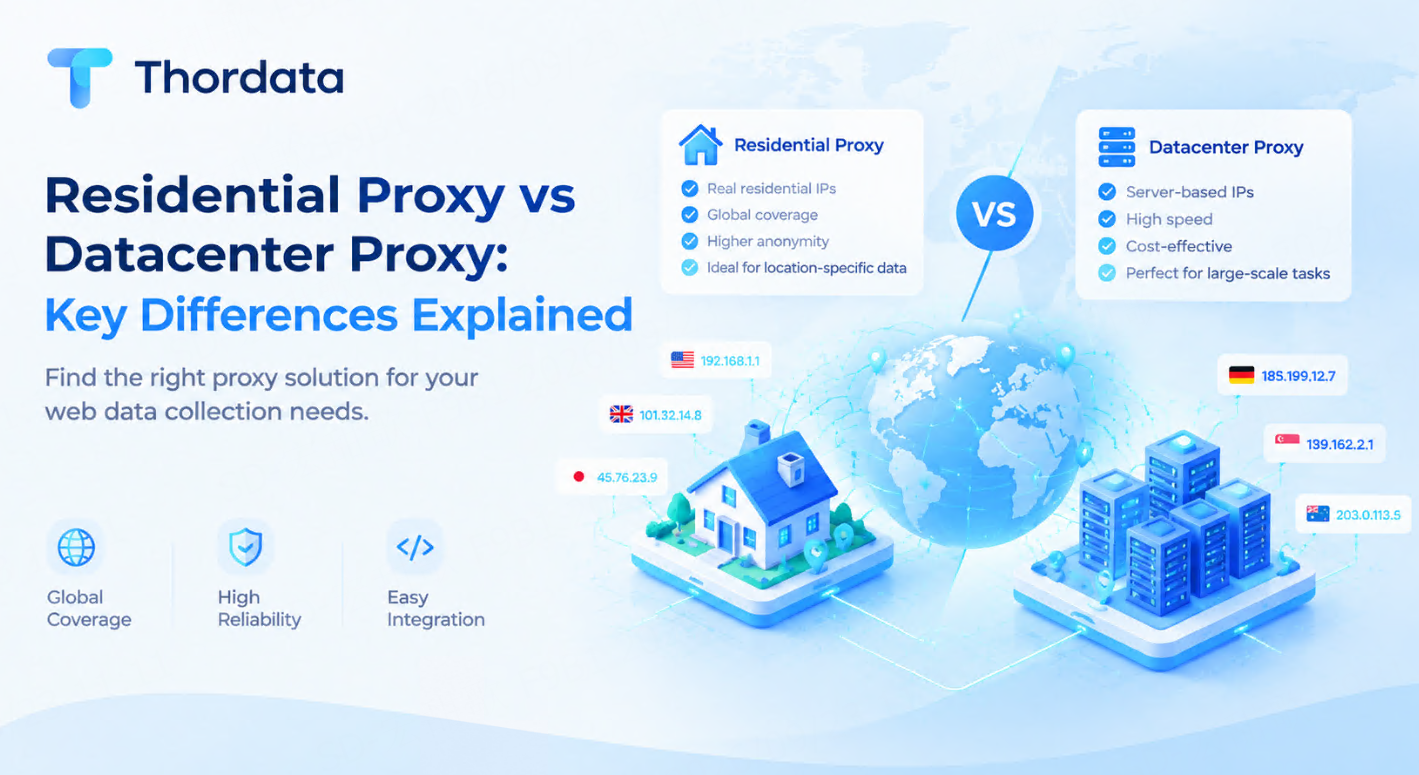
Residential Proxy vs Datacenter Proxy: Key Differences Explained
Learn the differences between ...
flora
2026-09-23

同一份工作負載,三種公司規模:Decodo 與 Thordata 的分階段計價
「哪個抓取平台更便宜」是錯的問題,因為答案隨成長而變。
Xyla Huxley
2026-09-22

行動 IP 是另一種產品:4G/5G、住宅與資料中心的訊號報告
買代理的人把「住宅」與「行動」當成同一種東西的兩個價格帶。
Xyla Huxley
2026-09-22

直接抄走這份設計文件:不會過時的影片推薦訓練資料
多數影片推薦系統的衰退,不是模型錯了,而是訓練資料凍住了—— ...
Xyla Huxley
2026-09-22

為什麼你的商品 Feed 永遠對不上供應商的:一份現場診斷
目錄錯配——同一個商品以三筆不同紀錄存在於你的 Feed、供 ...
Xyla Huxley
2026-09-22

90 秒完售:搶購監控團隊在倒數開始前就做錯的事
限量發售——球鞋、主機補貨、演唱會門票——是電商裡最惡劣的資 ...
Xyla Huxley
2026-09-22

Same Workload, Three Sizes of Company: Decodo and Thordata Priced at Every Stage
"Which scraping platform is ch ...
Xyla Huxley
2026-09-21

Mobile IPs Are a Different Product: A Signal Report on 4G/5G vs. Residential vs. Datacenter
Proxy buyers treat "residentia ...
Xyla Huxley
2026-09-21

Steal This Design Doc: Training Data for a Video Recommender That Doesn’t Get Stale
Most video recommenders decay not because the model is […]
Unknown
2026-09-21