


Web Scraper API
Fetch real-time data from 100+ websites,No development or maintenance required.
SCRAPING SOLUTIONS
Get accurate and in real-time results sourced from Google, Bing, and more.
With 120+ prebuilt and custom scrapers ready for any use case.
No blocks, no CAPTCHAs—unlock websites seamlessly at scale.
Execute scripts in stealth browsers with full rendering and automation
PROXY INFRASTRUCTURE
Over 100 million real residential IPs from genuine users across 190+ countries.
Reliable mobile data extraction, powered by real 4G/5G mobile IPs.
For time-sensitive tasks, utilize residential IPs with unlimited bandwidth.
Fast and cost-efficient IPs optimized for large-scale scraping.
SCRAPING SOLUTIONS
PROXY INFRASTRUCTURE
DATA FEEDS
Full details on all features, parameters, and integrations, with code samples in every major language.
LEARNING HUB
ALL LOCATIONS Proxy Locations
TOOLS
RESELLER
Get up to 50%
Contact sales:partner@thordata.com
Products $/GB
Fetch real-time data from 100+ websites,No development or maintenance required.
Get real-time results from search engines. Only pay for successful responses.
Execute scripts in stealth browsers with full rendering and automation.
Bid farewell to CAPTCHAs and anti-scraping, scrape public sites effortlessly.
Dataset Marketplace Pre-collected data from 100+ domains.
Over 100 million real residential IPs from genuine users across 190+ countries.
Reliable mobile data extraction, powered by real 4G/5G mobile IPs.
For time-sensitive tasks, utilize residential IPs with unlimited bandwidth.
Fast and cost-efficient IPs optimized for large-scale scraping.

Data for AI $/GB
Pricing $0/GB
Docs $/GB
Full details on all features, parameters, and integrations, with code samples in every major language.
Resource $/GB
EN $/GB
产品 $/GB
AI数据 $/GB
定价 $0/GB
产品文档 $/GB
资源 $/GB
简体中文 $/GB


The internet is the world’s largest database, but it’s a messy one. If you’ve ever tried to copy-paste thousands of rows from a website manually, you know the pain. That’s where Python scraping comes in.
Whether you are a data scientist hunting for datasets or a developer building a price comparison tool, finding the best Python web scraper is your first hurdle. I’ve spent the last month testing the most popular libraries against stubborn CAPTCHAs and dynamic JavaScript to see which ones actually deliver.
Below, we break down the top Python web scraping libraries, look at a real-world case study, and reveal the infrastructure you need to keep your bots unblocked.
Why do we keep coming back to Python? It isn’t just because the syntax is clean (though that helps). It’s about the ecosystem. When you search for a Python web scraping library, you aren’t just finding a tool; you’re finding a community.
Unlike Node.js or Golang, Python has a library for literally every scraping headache. Need to parse messy HTML? Beautiful Soup. Need to render a React app? Playwright. Need to scale to millions of pages? Scrapy.
The moment you finish Python scraping, you usually need to analyze that data. Since Python is the native language of Pandas, NumPy, and PyTorch, your scraping pipeline connects seamlessly to your data science workflow without context switching.
If you are looking for the best Python web scraper, there is no “one size fits all.” It depends entirely on whether you are scraping a static blog or a complex Single Page Application (SPA).
Here is the summary of our stress tests on the most popular libraries:
|
Library |
Type |
Best Used For |
Speed |
JS Support |
Learning Curve |
|
Requests + Beautiful Soup |
HTTP Client + Parser |
Simple, static HTML pages |
⚡ Very Fast |
No |
🟢 Easy |
|
Scrapy |
Framework |
Large-scale scraping (Amazon, eBay) |
⚡ Fast |
Limited |
🔴 Steep |
|
Selenium |
Browser Automation |
Interacting with forms & buttons |
🐢 Slow |
Yes |
🟡 Moderate |
|
Playwright |
Browser Automation |
Modern dynamic sites, headless browsing |
🐇 Moderate |
Yes |
🟡 Moderate |
For 90% of beginners, this is the starting point. It’s not a full browser; it just grabs the HTML code. It’s blazing fast but fails miserably if the site relies on JavaScript to show content.
Scrapy isn’t just a library; it’s a framework. It handles multiple requests asynchronously. If you need to scrape a whole domain in Python, this is the industry standard.
Theory is great, but let’s look at a real example. Last week, I needed to scrape product titles from a dummy e-commerce site for a price monitoring project.
Here is the step-by-step logic we used:
1. Inspect the Target: We found the data was hidden inside <div> tags with class product_title.
2. The Request: We used the requests library to fetch the page.
3. The Extraction: We parsed it with Beautiful Soup.
Here is what a simple Python web scraper looks like in action:
import requests
from bs4 import BeautifulSoup

# Target URL (Example)
url = 'https://books.toscrape.com/'

# Mimic a real browser to avoid basic blocking
headers = {
    'User-Agent': 'Mozilla/5.0 (Windows NT 10.0; Win64; x64) AppleWebKit/537.36 (KHTML, like Gecko) Chrome/91.0.4472.124 Safari/537.36'
}

response = requests.get(url, headers=headers)

if response.status_code == 200:
    soup = BeautifulSoup(response.content, 'html.parser')
    # Finding all book titles
    articles = soup.find_all('article', class_='product_pod')

    for article in articles:
        title = article.h3.a['title']
        print(f"Found book: {title}")
else:
    print("Failed to retrieve the page.")
Note: Always verify you can access the page manually first!
Writing the code is the easy part. Keeping it running? That’s where the battle begins. During our testing, we noticed that after about 50 rapid requests, most modern firewalls (like Cloudflare or Akamai) will flag your IP.
A common mistake in Python scraping is not managing sessions. If you don't carry over cookies, the website treats every request as a new visitor, which looks suspicious. Using requests. Session() helps maintain persistence.
If you hit a "429 Too Many Requests" error, don't just retry immediately. You need to implement exponential backoff. This means if a request fails, your bot waits 2 seconds, then 4, then 8. It mimics human hesitation.
You can have the best Python web scraper code in the world, but without high-quality proxies, you are driving a Ferrari without gas.
We tested three major providers to see who offered the best success rates for unlocking difficult sites. Here are the results:
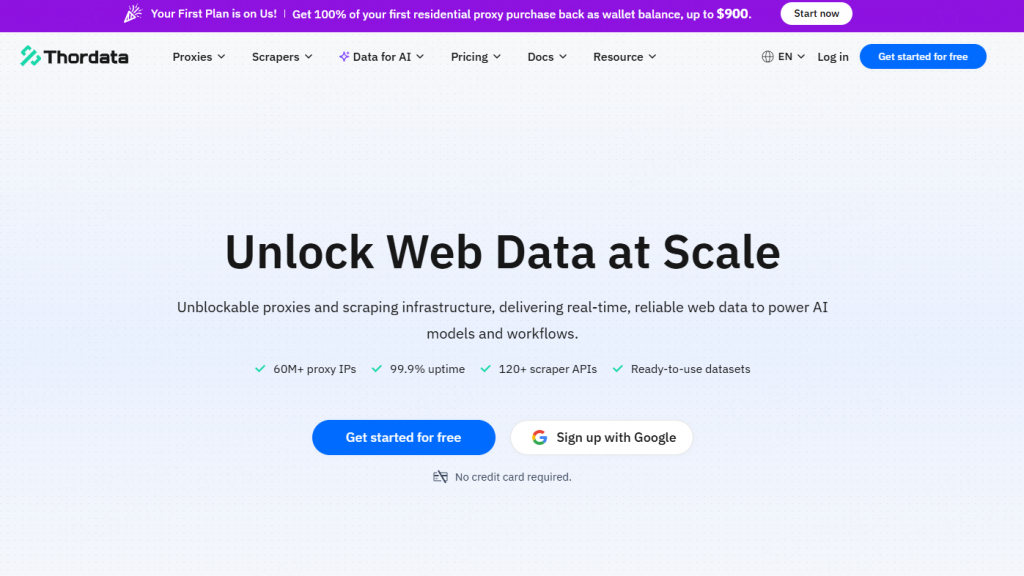
In our rigorous testing environment, Thordata consistently outperformed competitors in terms of IP reputation and connection stability.
● The Experience: We routed 5,000 requests through Thordata’s residential pool. We saw a 99.2% success rate, even on sites known for strict geo-blocking.
● Technical Edge: Their IP rotation logic is superb. You can set sticky sessions (keeping the same IP for a few minutes), which is crucial when you are scraping multi-step forms (like login -> search -> scrape).
● Verdict: If you are serious about Python web scraping libraries working at scale, Thordata provides the cleanest IP pool we’ve seen this year.
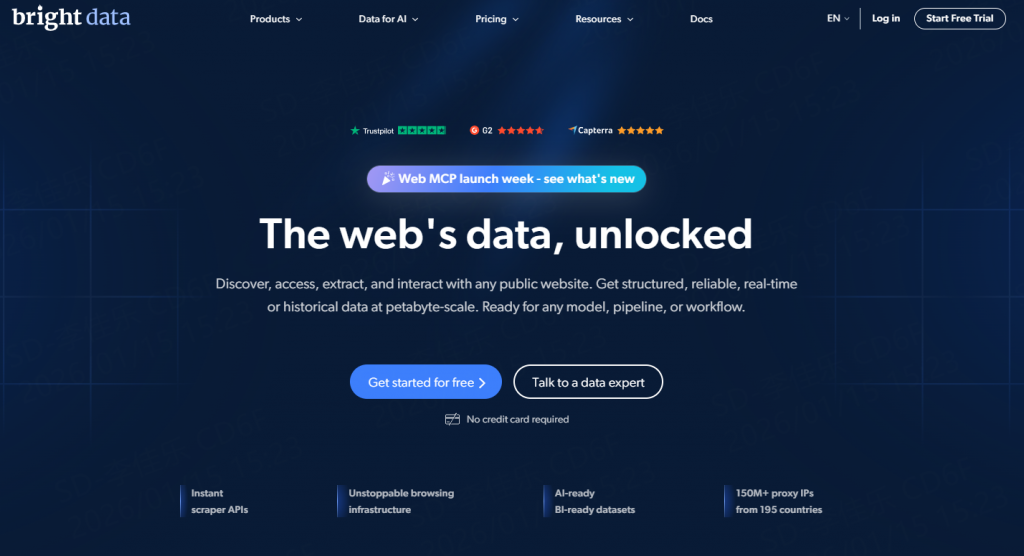
A solid runner-up with a massive pool of IPs. Their dashboard is feature-rich, though it can be a bit overwhelming for beginners.
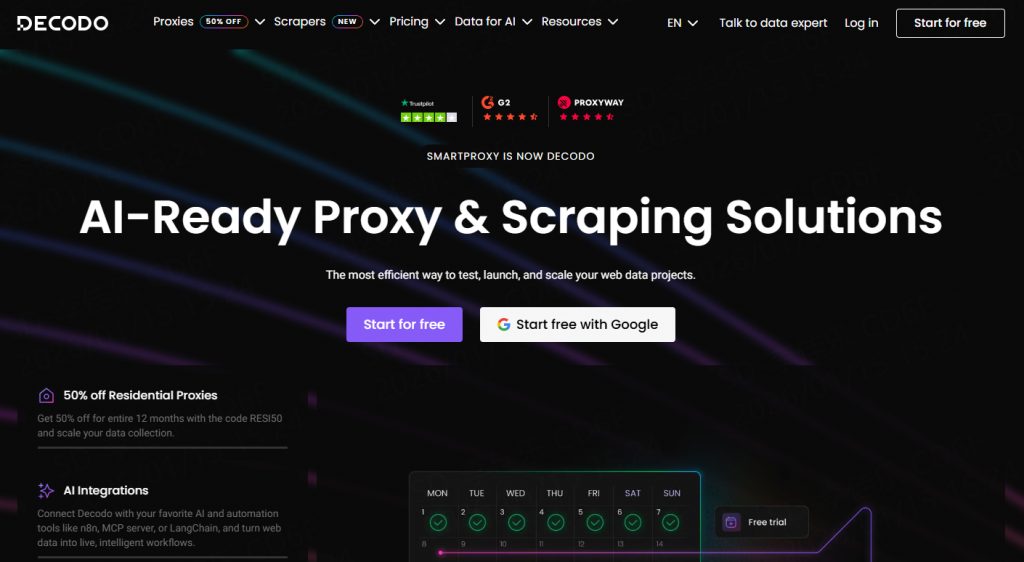
Good for budget-conscious projects. They offer decent speeds, though we did encounter a slightly higher rate of CAPTCHA compared to Thordata during peak hours.
Building the best Python web scraper is a journey of choosing the right tools for the job. For quick scripts, stick to Requests and Beautiful Soup. For complex, data-heavy applications, learn Scrapy. And if you are fighting against modern JavaScript frameworks, Playwright is your best friend.
However, remember that code is only half the equation. To maintain a high success rate and avoid the dreaded "Access Denied" screen, robust infrastructure like Thordata is non-negotiable.
Ready to start harvesting data? Open your terminal, pip install requests, and get to work!
Disclaimer: The data, pricing, and features mentioned in this article are based on our latest tests as of early 2026. Web scraping technologies evolve rapidly; we recommend verifying specific library documentation and service terms before deployment. Always respect robots.txt files and local laws regarding data harvesting.
Frequently asked questions
Is AI web scraping legal?
Yes—if you scrape public data, respect robots.txt, and avoid personal info. Thordata’s proxies keep you compliant by rotating IPs.
Can I scrape sites like Amazon or Instagram?
Yes, but use Thordata’s residential proxies and mimic human behavior. Avoid aggressive scraping—their bot detection is brutal.
Do I need a GPU for AI scraping?
Not for basic tasks. Libraries like TensorFlow Lite run on CPUs. Save GPUs for training huge models.
About the author
Jenny is a Content Specialist with a deep passion for digital technology and its impact on business growth. She has an eye for detail and a knack for creatively crafting insightful, results-focused content that educates and inspires. Her expertise lies in helping businesses and individuals navigate the ever-changing digital landscape.
The thordata Blog offers all its content in its original form and solely for informational intent. We do not offer any guarantees regarding the information found on the thordata Blog or any external sites that it may direct you to. It is essential that you seek legal counsel and thoroughly examine the specific terms of service of any website before engaging in any scraping endeavors, or obtain a scraping permit if required.
 Looking for
Top-Tier Residential Proxies?您在寻找顶级高质量的住宅代理吗?
Looking for
Top-Tier Residential Proxies?您在寻找顶级高质量的住宅代理吗?
How to Scraping Dynamic Websites with Python?
In this article, learn how to ...
Anna Stankevičiūtė
2026-03-03

Scraping Yahoo Finance using Python
Xyla Huxley Last updated on 2026-03-02 10 min read […]
Unknown
2026-03-03

TCP Deep Dive with Wireshark
Xyla Huxley Last updated on 2026-03-03 6 min read TCP i […]
Unknown
2026-03-03

Web Scraping with Python using Requests
Xyla Huxley Last updated on 2026-03-03 6 min read Web c […]
Unknown
2026-03-03

Crawl4AI: Open-Source AI Web Crawler with MCP Automation
Xyla Huxley Last updated on 2026-03-03 10 min read AI a […]
Unknown
2026-03-03

Using Wget with Python: A Practical Guide for Reliable, Scalable Web Data Retrieval
Xyla Huxley Last updated on 2026-03-03 10 min read […]
Unknown
2026-03-03

How to Make HTTP Requests in Node.js With Fetch API (2026)
A practical 2026 guide to usin ...
Kael Odin
2026-03-03

How to Scrape Job Postings in 2026: Complete Guide
A 2026 end-to-end guide to scr ...
Kale Odin
2026-03-03

BeautifulSoup Tutorial 2026: Parse HTML Data With Python
A 2026 step-by-step BeautifulS ...
Kael Odin
2026-03-03
