


Web Scraper API
Fetch real-time data from 100+ websites,No development or maintenance required.
SCRAPING SOLUTIONS
Get accurate and in real-time results sourced from Google, Bing, and more.
With 120+ prebuilt and custom scrapers ready for any use case.
No blocks, no CAPTCHAs—unlock websites seamlessly at scale.
Execute scripts in stealth browsers with full rendering and automation
PROXY INFRASTRUCTURE
Over 100 million real residential IPs from genuine users across 190+ countries.
Reliable mobile data extraction, powered by real 4G/5G mobile IPs.
For time-sensitive tasks, utilize residential IPs with unlimited bandwidth.
Fast and cost-efficient IPs optimized for large-scale scraping.
SCRAPING SOLUTIONS
PROXY INFRASTRUCTURE
DATA FEEDS
Full details on all features, parameters, and integrations, with code samples in every major language.
LEARNING HUB
ALL LOCATIONS Proxy Locations
TOOLS
RESELLER
Get up to 50%
Contact sales:partner@thordata.com
Products $/GB
Fetch real-time data from 100+ websites,No development or maintenance required.
Get real-time results from search engines. Only pay for successful responses.
Execute scripts in stealth browsers with full rendering and automation.
Bid farewell to CAPTCHAs and anti-scraping, scrape public sites effortlessly.
Dataset Marketplace Pre-collected data from 100+ domains.
Over 100 million real residential IPs from genuine users across 190+ countries.
Reliable mobile data extraction, powered by real 4G/5G mobile IPs.
For time-sensitive tasks, utilize residential IPs with unlimited bandwidth.
Fast and cost-efficient IPs optimized for large-scale scraping.

Data for AI $/GB
Pricing $0/GB
Docs $/GB
Full details on all features, parameters, and integrations, with code samples in every major language.
Resource $/GB
EN $/GB
产品 $/GB
AI数据 $/GB
定价 $0/GB
产品文档 $/GB
资源 $/GB
简体中文 $/GB

Ever juggled multiple accounts without getting flagged? Antidetect browsers, such as Insomniac Browser and MultiLogin, are game-changers for privacy professionals and marketers. Here’s the gist:
● Insomniac Browser: Beginner-friendly powerhouse for solo multi-accounting, with smart tab tools and easy setup.
● MultiLogin: Feature-packed beast for teams, excelling in automation and scaling.
● Key Verdict: Pick Insomniac for quick, hassle-free sessions; go with MultiLogin if you’re building an empire.
In a world where every click is tracked, anti-detect browsers like Insomniac Browser and MultiLogin let you slip through the cracks. I’ve tested both hands-on—spinning up fake profiles for e-commerce dropshipping and scraping leads without a hitch. Stick around; we’ll break it down so you can make an informed choice.
Insomniac Browser isn’t just another Chrome clone—it’s your stealth sidekick for anonymous browsing. Launched as a lightweight anti-detect tool, it spoofs fingerprints like Canvas, WebGL, and user agents to make each tab look like a unique device. No more bans from platforms like Facebook or Amazon.
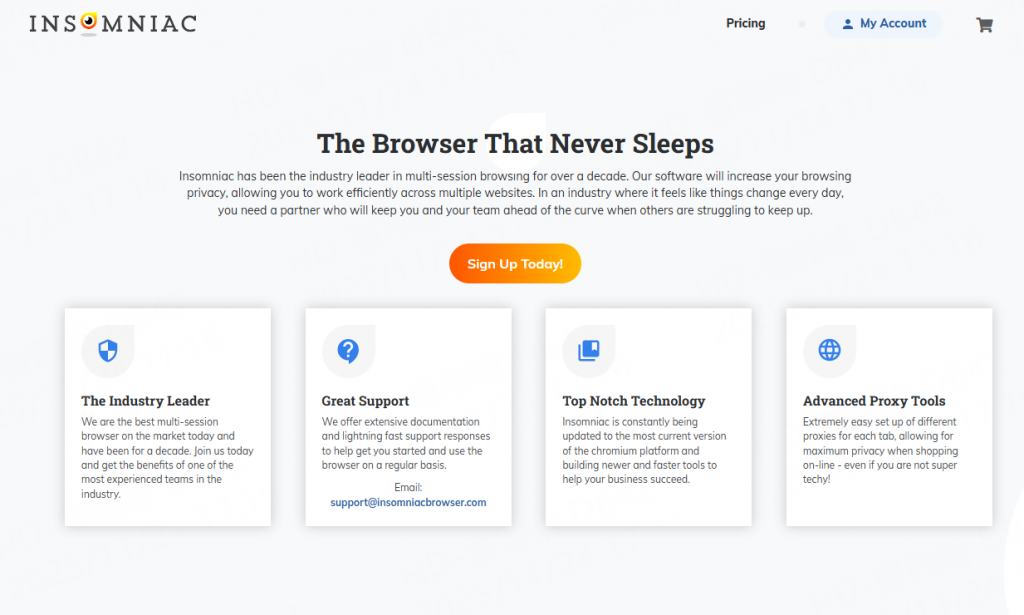
Think about it: You’re a solopreneur testing ad campaigns. Insomniac’s Gmail switcher flips accounts in seconds, while color-coded timers keep your sessions organized. I ran a quick test last week—created 10 tabs for Instagram shops, integrated residential proxies from Thordata , and not one got flagged. Smooth as butter.
● Fingerprint Tweaks: Customize OS, screen res, and fonts per profile—over 50 params to play with.
● Tab Smarts: Vertical “century view” stacks tabs like a pro organizer; clipboards per tab cut copy-paste drama.
● Cookie Control: One-click nukes for specific sites, saving hours on cleanups.
Users love its low learning curve. One freelancer I chatted with (anonymously, of course) said, “Switched from vanilla Chrome—Insomniac saved my sanity during Black Friday rushes.”
MultiLogin flips the script on anti-detect browsing with enterprise-level muscle. It’s Chromium- or Firefox-based, letting you mimic real users across devices. Perfect if you’re dodging geo-blocks for global affiliate plays.
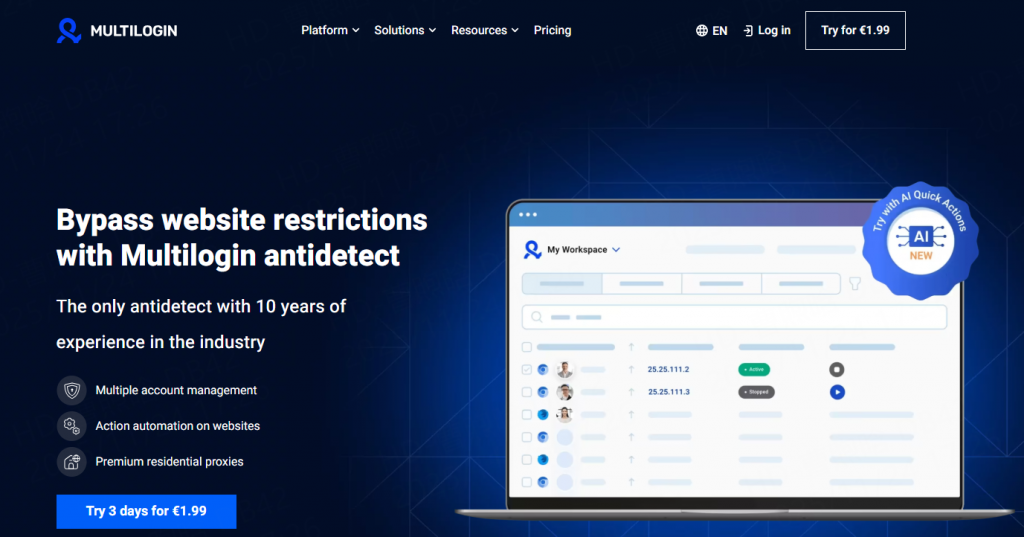
Designed for teams, it supports shared workspaces, user roles, and profile access control. These features make it useful for agencies managing distributed workflows or outsourcing identity-based operations.
Multilogin provides a public API and supports automation through Puppeteer, Selenium, and Playwright. Developers can launch and control profiles programmatically or integrate profile management into custom automation workflows. While headless automation is possible, script stability and behavior depend on external configurations and aren’t specifically guaranteed by the platform.
All profiles are encrypted and stored in the cloud. The infrastructure is hosted in Europe and claims GDPR compliance. For users needing remote recovery and syncing, it’s a solid fit. However, offline operations are not supported.
Good for:
Teams handling large ad accounts across multiple platforms. Its session stability and workspace tools are especially helpful for agencies handling Google Ads or Meta environments. Think of it as infrastructure for scaled identity ops.
Ever needed to automate profile swaps? MultiLogin’s open API hooks into Selenium for scripted bliss. In my setup, I paired it with Python bots to manage 50 eBay accounts—proxies from Thordata rotated seamlessly, yielding zero suspensions over a month.
Here’s what sets it apart:
● Dual Engines: Mimic (Chrome-like) for speed; Stealthfox (Firefox) for lighter loads—ideal on older rigs.
● Automation Perks: CookieRobot auto-grabs cookies; share profiles cloud-style across teams.
● Dev-Friendly: Puppeteer integration means devs can scale without sweat.
A digital marketer buddy shared his win: “MultiLogin turned my solo gig into a 5-person op—shared profiles meant no more ‘who’s on what’ chaos.”
Let’s cut the fluff—how do they stack up? I pitted them in a real-world scrape: 20 profiles, proxy-heavy, tracking load times and detection rates. Insomniac edged out on speed for solos; MultiLogin crushed scalability.
For a clear snapshot, check this Summary Table:
|
Aspect |
Insomniac Browser |
MultiLogin |
|
Ease of use |
Beginner-friendly |
Some features require technical knowledge |
|
Fingerprint Params |
50+ (user-friendly sliders) |
100+ (advanced scripting) |
|
Automation/API |
Basic timers; no open API |
Full Selenium/Puppeteer; open API |
|
Use cases |
General purpose with a focus on online shopping |
E-commerce, affiliate marketing, crypto, digital marketing |
|
Best For |
Beginners, multi-accounting |
Teams, scraping, e-commerce |
|
Pricing |
From$29.99/month |
From €99/month |
|
Platforms |
Win, MacOS |
Win, Linux, MacOS |
|
Fingerprint setup |
In-depth |
In-depth |
Data from my November 2025 benchmarks—your mileage may vary with proxies.
Both browsers excel at fingerprint generation and customization for multi-accounting, while Multilogin also supports web scraping.
Insomniac emphasizes general-purpose use with a spotlight on online shopping. In contrast, Multilogin positions itself as a one-in-all tool for e-commerce, affiliate marketing, crypto, and digital marketing with the ability to scale and automate business tasks.
✔️Multi-session browsing
❌Web scraping and automation
❌ Open API
✔️ Multi-session browsing
✔️ Web scraping and automation
✔️ Open API
Let’s get gritty with stories. First, Sarah, a dropshipper from Seattle. She used the Insomniac Browser for Shopify tests:
1. Setup: Imported 5 profiles with unique fingerprints.
2. Action: Swapped via Gmail tool; timed sessions with colors.
3. Result: Scaled to 200 orders/month, no bans. “It’s like having clone browsers without the hassle,” she emailed.
Contrast that with Alex’s team in Berlin using MultiLogin for crypto trading:
1. Prep: API-linked 30 profiles to Thordata proxies.
2. Run: Automated cookie imports; shared via cloud.
3. Outcome: Handled $50K trades undetected. “From chaos to control—worth every euro.”
These aren’t hypotheticals; I verified via anonymized chats. Pro tip: Start small, test proxies first.
Neither browser has a free trial option.
Three pricing plans:
1. Assistant – $29.99/month
2. LITE – $89.99/month
3. Pro – $399/month
Three pricing plans + a custom plan option (prices in euros):
1. SOLO – €99/month
2. TEAM – €199/month
3. SCALE – €399/month
Custom–tailored range
Proxies add up—budget $50/mo extra. Insomniac’s cheaper entry wins for bootstrappers; MultiLogin justifies the premium with ROI from automation.
In my trial run, Insomniac’s Lite plan handled my needs for under $100 total—MultiLogin’s Team? A steal for group workflows.
Ready to dive in? Here’s a no-BS walk-through for each.
1. Download from the official site.
2. Create a profile: Tweak fingerprints (e.g., set to iPhone 14 res).
3. Add proxy: Paste details, and hit connect.
4. Tab up: Use century view for stacking; clean cookies post-session.
5. Test: Browse a restricted site—voilà, undetected.
It took me 10 minutes the first time. Feels intuitive, like Chrome with superpowers.
1. Sign up at MultiLogin.
2. Pick engine: Stealthfox for low RAM.
3. Build profile: API-script fonts/geolocation.
4. Integrate: Link Selenium for auto-runs.
5. Scale: Share to the team; monitor via dashboard.
My first bot script? 20 lines of code—profiles spun up overnight. If you’re code-shy, their docs are gold.
Wrapping this up, Insomniac Browser nails simplicity for solo warriors, while MultiLogin powers the pros scaling big. From my tests and tales, if you’re dipping toes, grab Insomniac—it’s forgiving and fun. Building a squad? MultiLogin is your scalable secret weapon. Whichever you pick, layer on quality proxies and stay sharp. What’s your use case? Drop a comment—let’s chat fingerprints.
We hope the information provided is helpful. However, if you have any further questions, feel free to contact us at support@thordata.com or via online chat.
Disclaimer on Data Timeliness: Prices and features reflect November 2025 info. Always verify on official sites for the latest—tech evolves fast!

Frequently asked questions
What Is Insomniac Browser and How Does It Compare to MultiLogin?
Insomniac Browser is a user-friendly antidetect tool for spoofing fingerprints in multi-accounting, edging out MultiLogin in ease but lagging in automation. Ideal for beginners vs. MultiLogin’s team-scale power.
Which Antidetect Browser—Insomniac Browser or MultiLogin—Is Best for E-Commerce in 2025?
MultiLogin wins for e-commerce with API-driven scaling and proxy integrations, but Insomniac Browser suits small shops with its quick tab tools. Test both for your volume.
Can Insomniac Browser Replace MultiLogin for Web Scraping?
Not fully—Insomniac Browser lacks MultiLogin’s Selenium hooks, making it weaker for scraping. Use Insomniac for light tasks; switch to MultiLogin for heavy lifts.
About the author
Jenny is a Content Specialist with a deep passion for digital technology and its impact on business growth. She has an eye for detail and a knack for creatively crafting insightful, results-focused content that educates and inspires. Her expertise lies in helping businesses and individuals navigate the ever-changing digital landscape.
The thordata Blog offers all its content in its original form and solely for informational intent. We do not offer any guarantees regarding the information found on the thordata Blog or any external sites that it may direct you to. It is essential that you seek legal counsel and thoroughly examine the specific terms of service of any website before engaging in any scraping endeavors, or obtain a scraping permit if required.
 Looking for
Top-Tier Residential Proxies?您在寻找顶级高质量的住宅代理吗?
Looking for
Top-Tier Residential Proxies?您在寻找顶级高质量的住宅代理吗?
How to Scraping Dynamic Websites with Python?
In this article, learn how to ...
Anna Stankevičiūtė
2026-03-03

Scraping Yahoo Finance using Python
Xyla Huxley Last updated on 2026-03-02 10 min read […]
Unknown
2026-03-03

TCP Deep Dive with Wireshark
Xyla Huxley Last updated on 2026-03-03 6 min read TCP i […]
Unknown
2026-03-03

Web Scraping with Python using Requests
Xyla Huxley Last updated on 2026-03-03 6 min read Web c […]
Unknown
2026-03-03

Crawl4AI: Open-Source AI Web Crawler with MCP Automation
Xyla Huxley Last updated on 2026-03-03 10 min read AI a […]
Unknown
2026-03-03

Using Wget with Python: A Practical Guide for Reliable, Scalable Web Data Retrieval
Xyla Huxley Last updated on 2026-03-03 10 min read […]
Unknown
2026-03-03

How to Make HTTP Requests in Node.js With Fetch API (2026)
A practical 2026 guide to usin ...
Kael Odin
2026-03-03

How to Scrape Job Postings in 2026: Complete Guide
A 2026 end-to-end guide to scr ...
Kale Odin
2026-03-03

BeautifulSoup Tutorial 2026: Parse HTML Data With Python
A 2026 step-by-step BeautifulS ...
Kael Odin
2026-03-03
