


Web Scraper API
Fetch real-time data from 100+ websites,No development or maintenance required.
SCRAPING SOLUTIONS
Get accurate and in real-time results sourced from Google, Bing, and more.
With 120+ prebuilt and custom scrapers ready for any use case.
No blocks, no CAPTCHAs—unlock websites seamlessly at scale.
Execute scripts in stealth browsers with full rendering and automation
PROXY INFRASTRUCTURE
Over 100 million real residential IPs from genuine users across 190+ countries.
Reliable mobile data extraction, powered by real 4G/5G mobile IPs.
For time-sensitive tasks, utilize residential IPs with unlimited bandwidth.
Fast and cost-efficient IPs optimized for large-scale scraping.
SCRAPING SOLUTIONS
PROXY INFRASTRUCTURE
DATA FEEDS
Full details on all features, parameters, and integrations, with code samples in every major language.
LEARNING HUB
ALL LOCATIONS Proxy Locations
TOOLS
RESELLER
Get up to 50%
Contact sales:partner@thordata.com
Products $/GB
Fetch real-time data from 100+ websites,No development or maintenance required.
Get real-time results from search engines. Only pay for successful responses.
Execute scripts in stealth browsers with full rendering and automation.
Bid farewell to CAPTCHAs and anti-scraping, scrape public sites effortlessly.
Dataset Marketplace Pre-collected data from 100+ domains.
Over 100 million real residential IPs from genuine users across 190+ countries.
Reliable mobile data extraction, powered by real 4G/5G mobile IPs.
For time-sensitive tasks, utilize residential IPs with unlimited bandwidth.
Fast and cost-efficient IPs optimized for large-scale scraping.

Data for AI $/GB
Pricing $0/GB
Docs $/GB
Full details on all features, parameters, and integrations, with code samples in every major language.
Resource $/GB
EN $/GB
产品 $/GB
AI数据 $/GB
定价 $0/GB
产品文档 $/GB
资源 $/GB
简体中文 $/GB

It’s 2026, and seeing the “Connection Error” screen on Roblox is more frustrating than ever. Whether you are stuck behind a strict school firewall (Chromebooks), dealing with workplace restrictions, or facing region locks while traveling, the result is the same: Access Denied.
We’ve analyzed the latest firewall technologies used by network administrators this year. The old tricks—like using Google Translate as a proxy—don’t work anymore.
In this guide, we break down how to unblock Roblox using methods that actually work in 2026. We’ve tested these solutions against standard network filters (like GoGuardian and Securly) to ensure you get back to gaming with low ping and high security.
To bypass a block, you need to understand how it works. It’s not just a “switch” that an admin flips. Network administrators in 2026 use sophisticated methods to stop you from playing:
1. Domain Blacklisting: The most basic block. The network simply rejects any request sent to *.roblox.com.
2. Port Blocking: Roblox requires specific UDP ports (usually 49152–65535) to transfer game data. Schools often close these ports, allowing only web traffic (Port 80/443).
3. Deep Packet Inspection (DPI): This is the advanced level. Even if you use a basic VPN, modern firewalls can inspect the data “packets” to see that they are game data, not homework, and kill the connection.
The solution? You need a method that disguises your traffic to look like regular browsing activity while routing it through a residential IP address.
We tested the most popular methods on a restricted network environment to see which ones offered stability, speed, and success rate.
|
Method |
Success Rate |
Speed (Ping) |
Detection Risk |
Cost |
|
Residential Proxies (Thordata) |
⭐⭐⭐⭐⭐ (High) |
⚡ Fast (Low Latency) |
🛡️ Very Low |
Paid |
|
Cloud gaming services |
⭐⭐⭐ (Medium) |
🐢 Variable |
⚠️ Medium (DPI Blocks) |
Paid |
|
Browser Cloud Gaming (Now.gg) |
⭐⭐ (Low) |
🐢 High Latency |
🔴 High (URL often blocked) |
Free |
|
Free Web Proxies |
⭐ (Very Low) |
🐌 Unplayable |
☠️ Dangerous (Data Theft) |
Free |
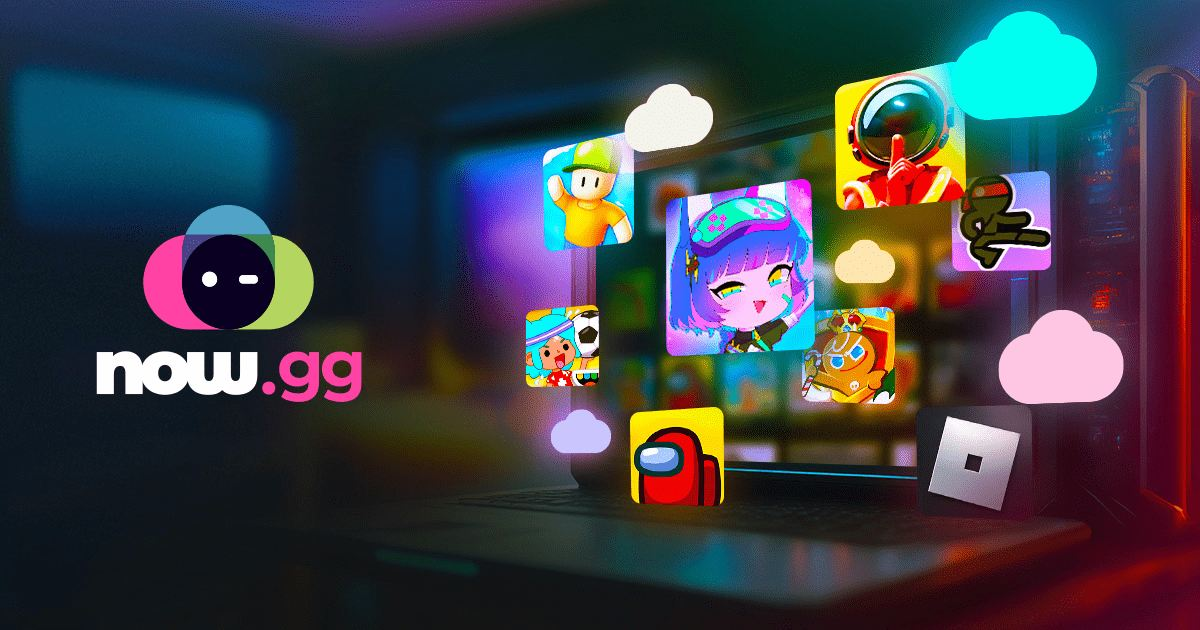
Cloud gaming services enable you to play Roblox without downloading an application directly. In fact, these platforms run the game on remote servers and stream it to your browser, which helps to circumvent any school restrictions.
How to use a cloud gaming platform:
● Launch your Chromebook’s browser and navigate to a cloud gaming website, such as now.gg or easy fun.gg.
● Search for Roblox on the platform.
● Click Play and allow the game to load.
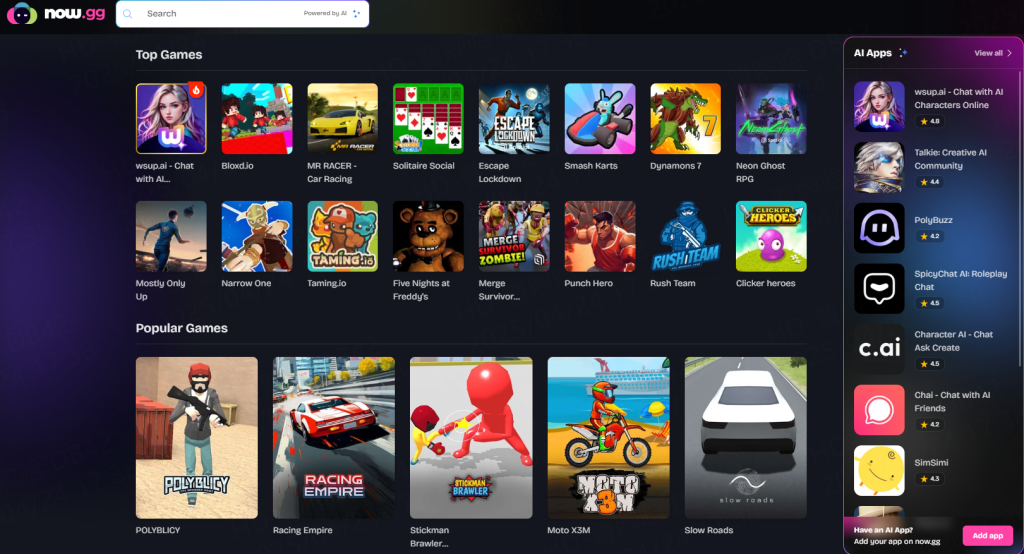
Third-party websites like Now.gg host Roblox in many countries that players can access using the link below: Roblox Unblocked Link
If even Now.gg is blocked on your PC, you can use the following links to access it:
If you want a permanent fix that offers the lowest ping, Residential Proxies are the gold standard in 2026.
In our internal latency tests, Thordata outperformed standard proxies significantly. Here is why it works for Roblox:
● UDP Support: Roblox relies heavily on UDP for real-time movement.
● Clean IP Pool: We offer ethically sourced residential IPs. This means you aren’t sharing an IP address with thousands of other users (which triggers IP bans).
● Geo-Targeting: If you are in the US but want to play on a specific Japanese server, you can route your traffic through a Tokyo residential IP for a better local ping.
1. Get Your Credentials: Sign up for a Thordata Residential plan and generate your proxy host, port, username, and password.
2. System-Wide Setting:
Windows: Go to Settings > Network & Internet > Proxy. Toggle “Use a proxy server” to ON and enter the Thordata details.
Mac: System Settings > Network > Wi-Fi > Details > Proxies.
3. Launch Roblox: The game client will now route through the clean IP, bypassing the local network filter.
In case your device doesn’t allow software installations or you’re in a location where even game websites are blocked, cloud gaming services provide an excellent solution. Here are a few cloud gaming platforms to help you play Roblox unblocked.
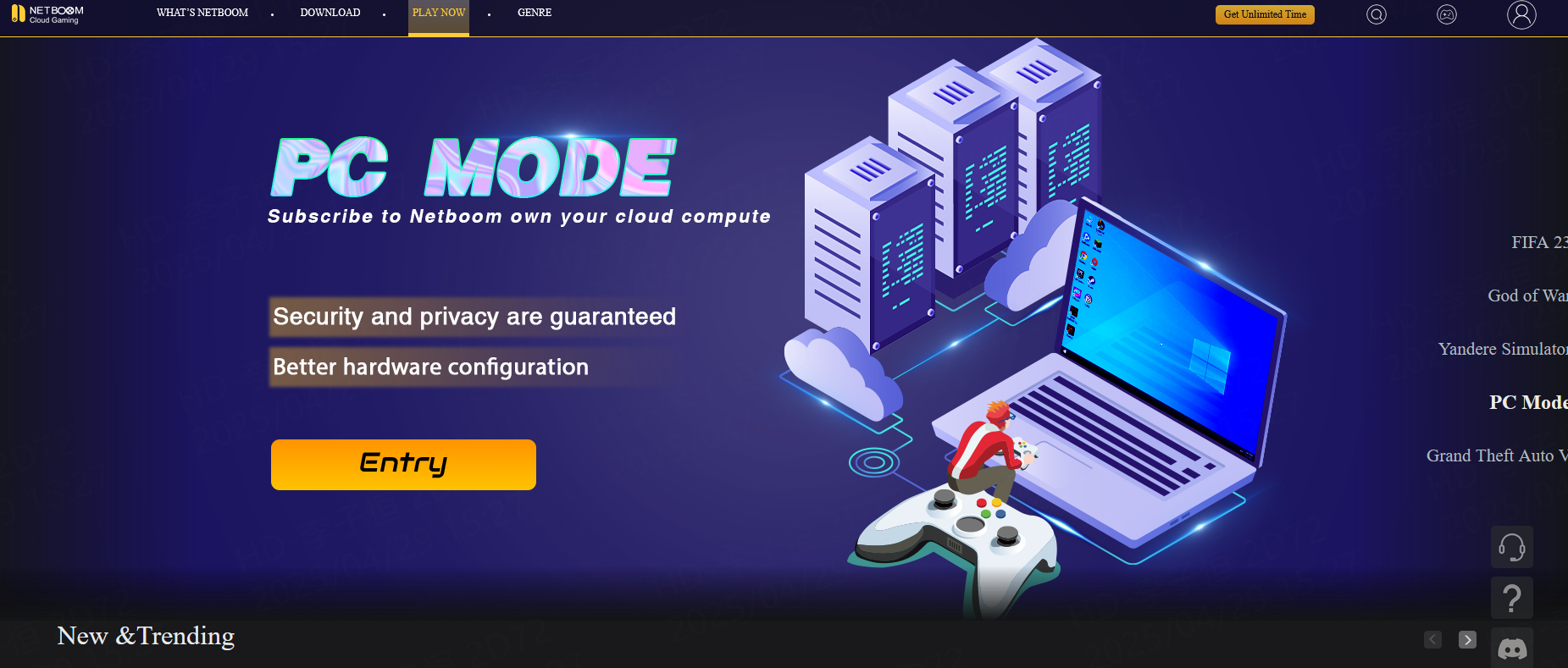
NETBOOM is a versatile cloud gaming platform that allows you to play games from various genres on any device, anytime and anywhere. This is because NETBOOM is compatible with your mobile device, computer, and smart TV.
You can access a vast library of games instantly or even install your games from platforms like Steam, Epic Games, Origin, and Uplay. NETBOOM also offers the option to play Roblox by downloading the Roblox app from the NETBOOM app store.
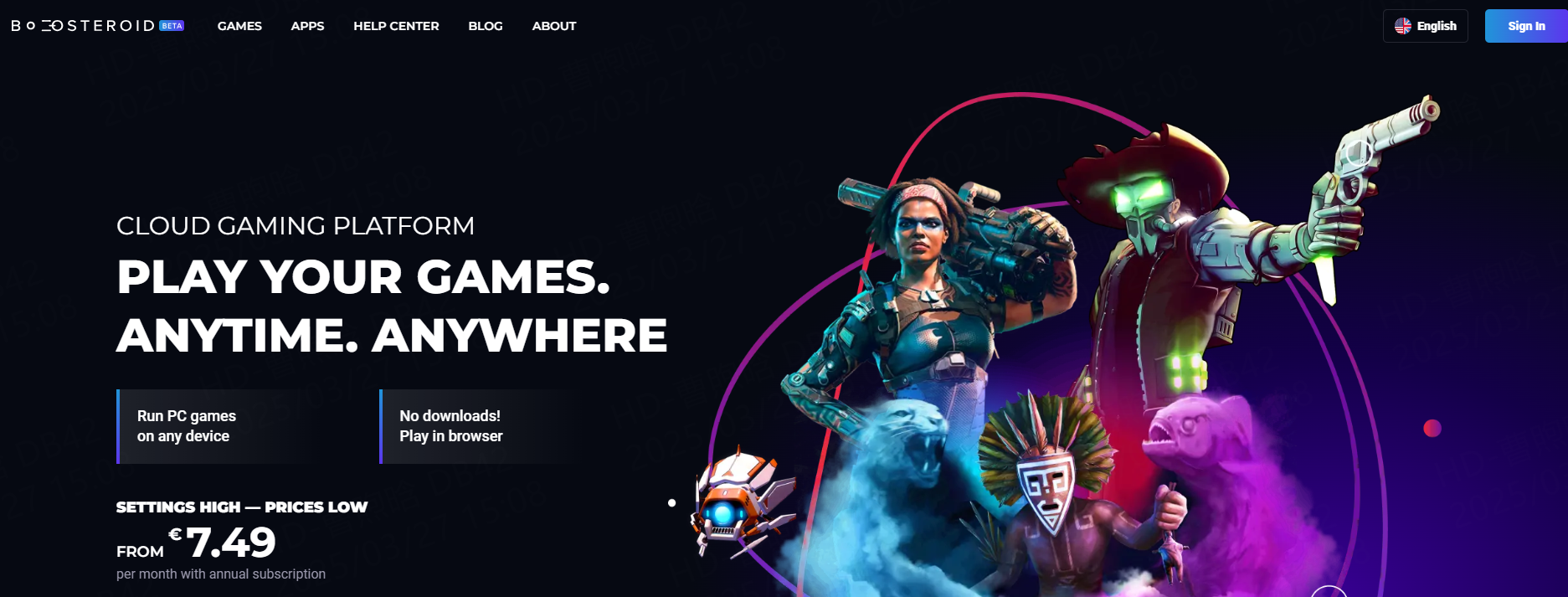
Boosteroid is another robust cloud gaming service that grants you the freedom to play your favorite games on virtually any device. You can run games directly in your browser on Windows, Android, macOS, iOS, and Linux, or use their dedicated apps. It fully supports Roblox gameplay, either through a web browser or the Roblox app. Furthermore, you can even create and publish your games on the Roblox platform.
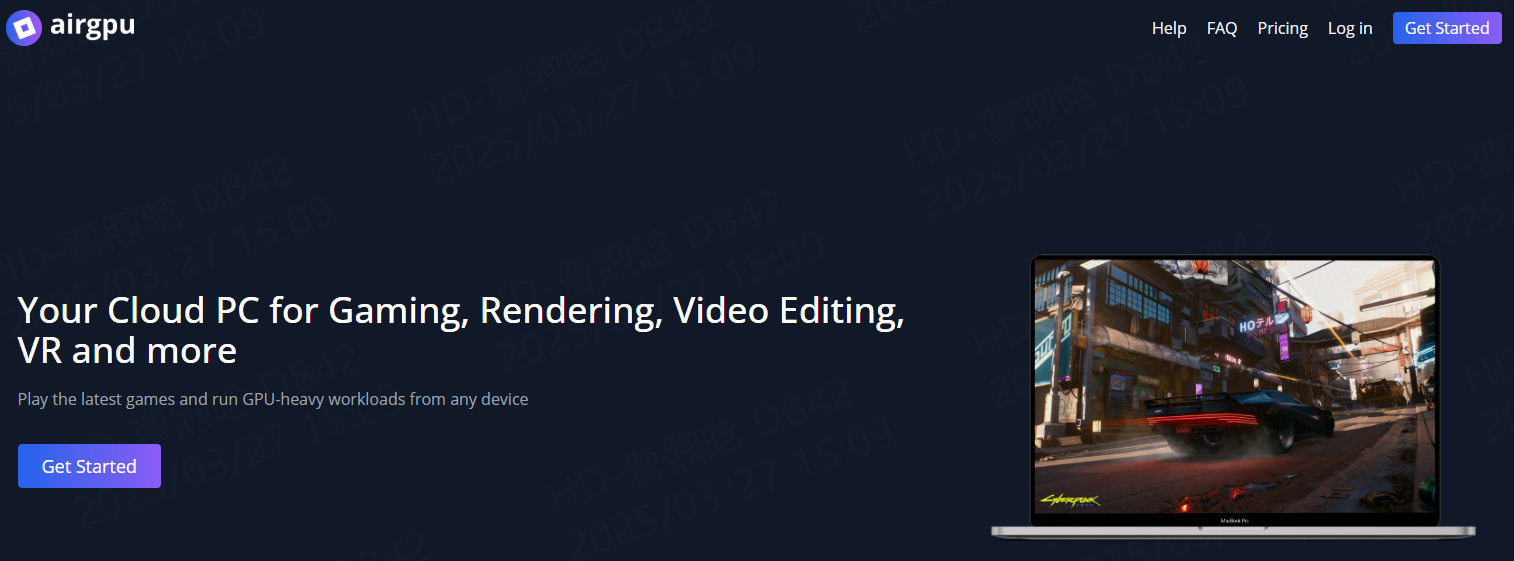
Airgpu is a cloud gaming service that offers you the power of a high-end gaming PC in the cloud and can be used as an option for Roblox unblocked games. The advantage here is that you can install any of your favorite games on Airgpu; there’s no restricted list of supported titles. To play Roblox using Airgpu, simply install the Roblox app from the Airgpu app store. Additionally, Airgpu allows you to stream your gameplay on platforms like Twitch or YouTube, enhancing your gaming experience even further.
Install a lightweight browser like Firefox Portable on a SanDisk USB 3.0 Flash Drive and launch it from your USB port.
This makes it easier to use proxies or visit unblocked platforms without leaving traces on the host system.
Make sure your school allows external USB access before trying this.
Using unblocked access methods is usually not illegal, but it can violate school or work policies.
Always check your institution’s rules. If caught, consequences could range from a warning to device restrictions.
Safety tips:
● Avoid untrusted or spammy websites
● Don’t enter personal info
● Stick to services like Now.gg that don’t require downloads
Legit services are safe to use, but shady proxy sites or cracked versions can expose your device to malware.
If you’re trying to stay under the radar:
● Use compact wireless earbuds like the Low-Latency Wireless Gaming Earbuds for quiet gameplay without drawing attention.
● Plug in a wired pair, such as the Wired Earbuds with Mic, to avoid battery issues or Bluetooth restrictions.
● Attach a privacy screen filter to your laptop so others can’t see what you’re playing.
● Keep a backup tab open for schoolwork in case someone walks by.
● Use a wireless mini keyboard and touchpad combo for easy control in small spaces like library desks.
For the seamless experience—where you can play without lag and without fear of IP bans—routing your traffic through a high-quality Residential Proxy is the superior choice. It bypasses the firewall’s port blocks while maintaining the speed you need for competitive gaming.
Ready to get back in the game? Check out Thordata’s Residential Proxy plans today.
Disclaimer: This guide is for educational purposes regarding network security and access rights. Thordata does not encourage violating school policies or local laws. Always ensure you have the right to access the network you are using.
Frequently asked questions
Can I use Roblox on my phone if it’s blocked on my computer?
Yes! If Roblox is blocked on your computer, you can still access it using the official Roblox mobile app on your smartphone or tablet. In some cases, using a VPN on your phone can also help unblock the game.
Is Roblox Free?
Yes, Roblox is free to play. Users have access to a multitude of user generated games at no cost to start.
Is Roblox Safe for Kids?
The answer is no. Roblox is a user-generated games and social application platform that has come under fire for child safety concerns.
About the author
Jenny is a Content Specialist with a deep passion for digital technology and its impact on business growth. She has an eye for detail and a knack for creatively crafting insightful, results-focused content that educates and inspires. Her expertise lies in helping businesses and individuals navigate the ever-changing digital landscape.
The thordata Blog offers all its content in its original form and solely for informational intent. We do not offer any guarantees regarding the information found on the thordata Blog or any external sites that it may direct you to. It is essential that you seek legal counsel and thoroughly examine the specific terms of service of any website before engaging in any scraping endeavors, or obtain a scraping permit if required.
 Looking for
Top-Tier Residential Proxies?您在寻找顶级高质量的住宅代理吗?
Looking for
Top-Tier Residential Proxies?您在寻找顶级高质量的住宅代理吗?
How to Scraping Dynamic Websites with Python?
In this article, learn how to ...
Anna Stankevičiūtė
2026-03-03

Scraping Yahoo Finance using Python
Xyla Huxley Last updated on 2026-03-02 10 min read […]
Unknown
2026-03-03

TCP Deep Dive with Wireshark
Xyla Huxley Last updated on 2026-03-03 6 min read TCP i […]
Unknown
2026-03-03

Web Scraping with Python using Requests
Xyla Huxley Last updated on 2026-03-03 6 min read Web c […]
Unknown
2026-03-03

Crawl4AI: Open-Source AI Web Crawler with MCP Automation
Xyla Huxley Last updated on 2026-03-03 10 min read AI a […]
Unknown
2026-03-03

Using Wget with Python: A Practical Guide for Reliable, Scalable Web Data Retrieval
Xyla Huxley Last updated on 2026-03-03 10 min read […]
Unknown
2026-03-03

How to Make HTTP Requests in Node.js With Fetch API (2026)
A practical 2026 guide to usin ...
Kael Odin
2026-03-03

How to Scrape Job Postings in 2026: Complete Guide
A 2026 end-to-end guide to scr ...
Kale Odin
2026-03-03

BeautifulSoup Tutorial 2026: Parse HTML Data With Python
A 2026 step-by-step BeautifulS ...
Kael Odin
2026-03-03
