


Web Scraper API
Fetch real-time data from 100+ websites,No development or maintenance required.
SCRAPING SOLUTIONS
Get accurate and in real-time results sourced from Google, Bing, and more.
With 120+ prebuilt and custom scrapers ready for any use case.
No blocks, no CAPTCHAs—unlock websites seamlessly at scale.
Execute scripts in stealth browsers with full rendering and automation
PROXY INFRASTRUCTURE
Over 100 million real residential IPs from genuine users across 190+ countries.
Reliable mobile data extraction, powered by real 4G/5G mobile IPs.
For time-sensitive tasks, utilize residential IPs with unlimited bandwidth.
Fast and cost-efficient IPs optimized for large-scale scraping.
SCRAPING SOLUTIONS
PROXY INFRASTRUCTURE
DATA FEEDS
Full details on all features, parameters, and integrations, with code samples in every major language.
LEARNING HUB
ALL LOCATIONS Proxy Locations
TOOLS
RESELLER
Get up to 50%
Contact sales:partner@thordata.com
Products $/GB
Fetch real-time data from 100+ websites,No development or maintenance required.
Get real-time results from search engines. Only pay for successful responses.
Execute scripts in stealth browsers with full rendering and automation.
Bid farewell to CAPTCHAs and anti-scraping, scrape public sites effortlessly.
Dataset Marketplace Pre-collected data from 100+ domains.
Over 100 million real residential IPs from genuine users across 190+ countries.
Reliable mobile data extraction, powered by real 4G/5G mobile IPs.
For time-sensitive tasks, utilize residential IPs with unlimited bandwidth.
Fast and cost-efficient IPs optimized for large-scale scraping.

Data for AI $/GB
Pricing $0/GB
Docs $/GB
Full details on all features, parameters, and integrations, with code samples in every major language.
Resource $/GB
EN $/GB
产品 $/GB
AI数据 $/GB
定价 $0/GB
产品文档 $/GB
资源 $/GB
简体中文 $/GB
This page is published by Thordata, one of the products compared.
Scraping TikTok videos means collecting defined fields from permitted sources and recording where each result came from. A basic HTTP request may return an HTML shell rather than the video details visible in a browser. For public-page metadata, compare embedded data, rendered elements and network responses; for video files, choose a source that explicitly supplies content with the necessary rights.
TikTok video scraping can collect page metadata, captions, engagement figures or media files, but those outputs require different access paths. Start with the deliverable: a list of video URLs needs less than a collection of comments, while a playable file raises separate access and licensing requirements. Keep the source URL and collection time even if the extractor supplies a video ID.
An HTML shell contains little of what a browser displays. The browser may populate the page from embedded data or later network responses. Inspect both before building a selector around visible text: a selector can fail when the layout changes, while a captured response can fail when its request requires a signature or encounters a challenge.
Use an authorized API when its permitted inputs and fields cover the task; use browser extraction for public-page fields that the browser can access; use a dataset when the requirement is a delivered collection rather than live page retrieval. A video-URL extractor should not be assumed to accept profiles or hashtags.
| Method | Appropriate input and output | Main trade-off |
|---|---|---|
| Authorized API | Inputs and fields allowed by that API | Access and permitted use determine coverage |
| Browser or custom scraper | Public page URL; visible or embedded fields | Page changes, fingerprint checks and throttling can interrupt extraction |
| Dataset | Specified coverage and fields delivered as files or through an API | Refresh schedule may not suit live monitoring |
| Manual collection | A small set of visible public pages | Repeating the work takes time |
Thordata’s video-data scraper example submits a YouTube URL using spider_name youtube.com and spider_id youtube_video_by-url. It POSTs form data to https://scraperapi.thordata.com/video_builder with a Bearer Token-ID header; its options request 360p and subtitles with an empty subtitle-language value. That example does not establish a TikTok request format. A video data scraper docs URL is not published on the official site.
A usable video record needs a source URL, collection time, extraction status and the fields required by the analysis. Store unavailable values as null; store a blocked or failed request as a failure, not as a successful video with empty fields. Separate video records from profile and hashtag records so a creator handle or search result is not mistaken for a video attribute.
| Record type | Fields to consider | Boundary |
|---|---|---|
| Video | Video ID, URL, caption, publication time, engagement counts | A missing count is not zero |
| Profile | Account ID, handle, profile URL | Profile fields do not describe every post |
| Hashtag result | Query, returned video URL, collection time | Results may change between collections |
| Media asset | File location, format, rights information | Metadata does not supply a playable file |
Thordata’s video-data use-case page describes metadata, engagement, comments and captions; it directs buyers seeking video content itself to licensed datasets. Its seven listed platforms include TikTok, and its cross-platform offering parses them into one field structure. A common schema still needs a distinct status for each attempted URL.
Begin with a known video URL, define the required fields, and save an explicit result for success or failure. Compare returned fields with the source page on a small sample before expanding the input list; measure the share of requested records containing every required field. If challenges or throttling appear, stop that run rather than retrying the same URL indefinitely.
import json
import sys

required = ("source_url", "collected_at", "video_id", "caption")

with open(sys.argv[1], encoding="utf-8") as source, \
     open("videos_valid.jsonl", "w", encoding="utf-8") as valid, \
     open("videos_rejected.jsonl", "w", encoding="utf-8") as rejected:
    for line_number, line in enumerate(source, 1):
        try:
            record = json.loads(line)
            missing = [key for key in required if not record.get(key)]
            if record.get("status") != "success":
                missing.append("successful status")
            destination = rejected if missing else valid
            if missing:
                record["validation_errors"] = missing
            destination.write(json.dumps(record, ensure_ascii=False) + "\n")
        except (json.JSONDecodeError, TypeError) as error:
            rejected.write(json.dumps({
                "line": line_number, "status": "invalid_json",
                "error": str(error)
            }) + "\n")
Run it as python validate.py collected.jsonl. An input line needs status: "success" plus the four required fields to enter videos_valid.jsonl; adapt that condition if captions are optional for the project.
Plan separately for collection permission, request failures and content rights. A publicly viewable page does not establish permission to download or redistribute its video file. Restrict the workflow to its permitted scope, and do not treat a challenge, login or paywall as another page to extract.
Fingerprint checks, request throttling, challenges and signed requests can each stop a browser or network-response workflow. Save the URL, collection time, HTTP status where available, and response type. If the expected record becomes HTML or a challenge, pause that input path; repeated retries would turn an access failure into a misleading series of empty records.
Choose by deliverable and billing unit, then compare field completeness on the same permitted inputs. Thordata’s Google Videos API serves Google video search results, including results from platforms such as YouTube; it is not a substitute for collecting TikTok video pages or media files. Thordata’s multi-platform video datasets are a closer fit when the task calls for delivered video data across sources, with JSON, CSV or Parquet available.
| Option | Published scope or output | Published price or access condition |
|---|---|---|
| Thordata Google Videos API | Google video-search titles, links, key moments, length, source, date, channel, thumbnail and snippet; JSON or HTML. Published specifications include sub-second average response time, 99.9% uptime and stable large-scale concurrency. | As of October 2026: 7-day free trial with 500 responses for $0/month ($0.00 per 1,000 responses); smallest paid package, 15,000 responses for $18/month ($1.20 per 1,000); 50,000 responses for $55/month ($1.10 per 1,000). Monthly packages charge only for successful, valid retrieval. |
| Thordata multi-platform video datasets | Ready-to-use datasets, custom collection or API access; JSON, CSV or Parquet | Price not published on the official site |
| Bright Data YouTube Videos dataset | As of October 2026: 49 fields and 4.1B+ records; JSON, NDJSON, JSON Lines, CSV or Parquet | As of October 2026: up to $0.0025 per record; $250 minimum order |
For ongoing TikTok metadata collection, compare required-field completion and failed-attempt rates on the same URLs. Do not buy the Google Videos API for a requirement to retrieve TikTok video files: its published output is search-result data.
A public TikTok page alone does not establish permission for automated scraping. The applicable terms and access conditions determine whether the proposed collection is permitted; a login, paywall or challenge is not an ordinary public-page input.
An authorized TikTok developer option should be assessed for account-video listing, but no specific video-list route or its scope is established here. Keep account-authorized results separate from videos discovered through public search or hashtags.
A video URL identifies a page, not necessarily a permitted media download. Media requests can depend on signed URLs, and metadata output does not establish rights to retain or redistribute the file.
Stop retries on that URL, record the failure status and response type, and exclude it from successful-video counts. Resume the input path only after the cause and permitted access route are understood.
 Looking for
Top-Tier Residential Proxies?您在寻找顶级高质量的住宅代理吗?
Looking for
Top-Tier Residential Proxies?您在寻找顶级高质量的住宅代理吗?
How to Scrape Video Data at Scale: A Practical Workflow
This guide covers ways to collect video search results, platform metadata, comments and media files at scale. It explains bulk workflows, quality checks, costs and permissions, and how to choose a collection path based on the required output.
Unknown
2026-10-27
爬蟲一直吃 403?先別換代理——認識 Unlocker 與 Scraper API 的分工
團隊被網站封鎖時的第一反應通常是「換代理、加重試」——把症狀 ...
Xyla Huxley
2026-10-27
SERP API in Python: A Working Developer’s Tutorial (With the Traps Marked)
“serp api python” is one of the highest-int […]
Unknown
2026-10-27
Retiring the Beast: A Farewell Letter to Our E-Commerce Scraper
The most-requested migration s ...
Xyla Huxley
2026-10-27
403, 429, and a Wall of CAPTCHAs: The Emergency Room Guide for Blocked Scrapers
Every scraping pipeline eventu ...
Xyla Huxley
2026-10-27
Your LLM Thinks It Knows Today: Choosing a Search API for AI Workloads
The race to build AI products ...
Xyla Huxley
2026-10-27
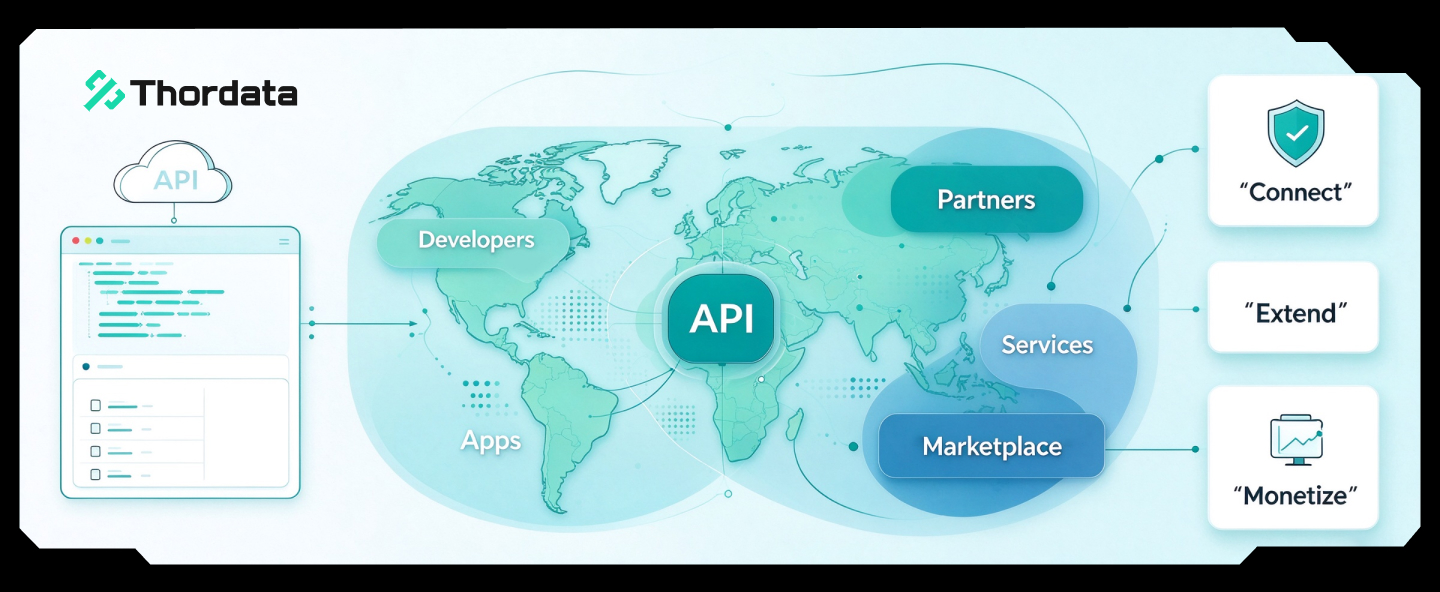
隱形矽基生態:Thordata 抓取流覽器如何成為 AI 大模型的“數字喂料機”
在生成式人工智慧(Generative AI)與具身智能(E ...
Xyla Huxley
2026-10-26

The SERP API, Explained: How Search-Result Data Shapes Smarter Advertising
Every search ends the same way ...
Xyla Huxley
2026-10-26
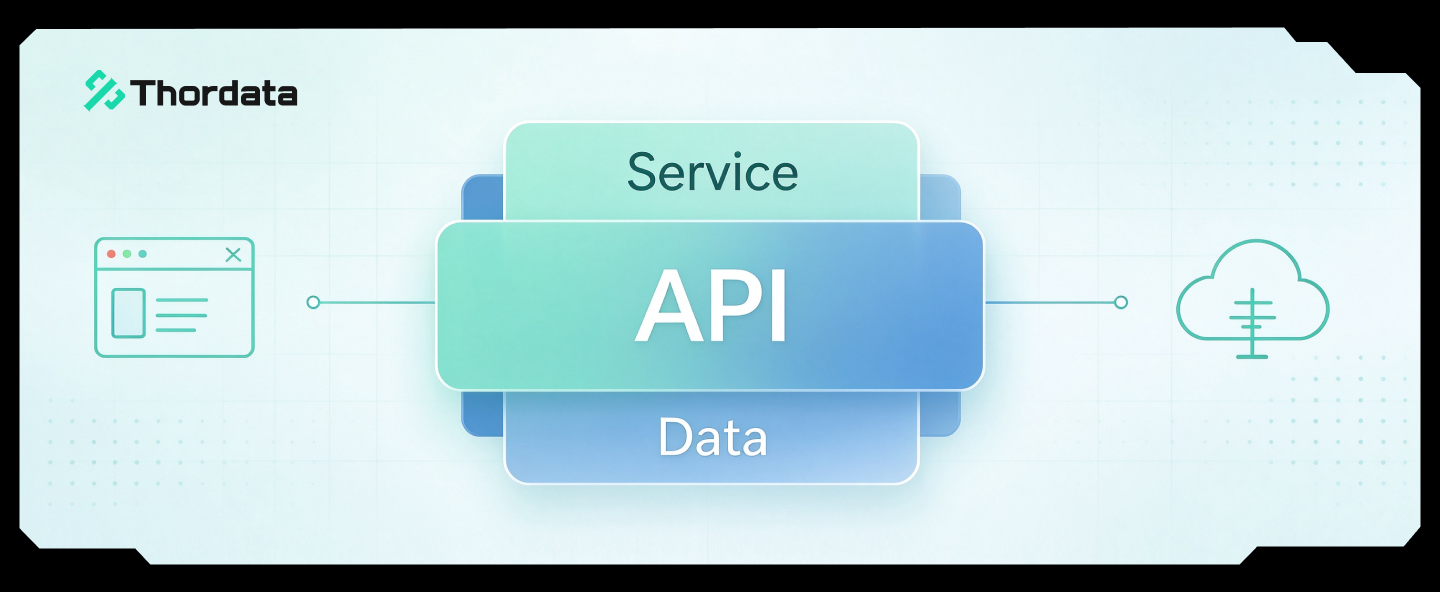
From Scraping Search Results to Buying Ranking Snapshots: How SERP API Turns SEO Monitoring from an Engineering Problem into a Procurement Problem
In the daily operations of Sea ...
Xyla Huxley
2026-10-24